
If you have any questions, you are always welcome to contact us. We'll get back to you as soon as possible, within 24 hours on weekdays.
-
Shipping Information
Use this text to answer questions in as much detail as possible for your customers.
-
Customer Support
Use this text to answer questions in as much detail as possible for your customers.
-
FAQ’s
Use this text to answer questions in as much detail as possible for your customers.
-
Contact Us
Use this text to answer questions in as much detail as possible for your customers.

Fully Funded on Kickstarter
“What started as a crowdfunding campaign is now a product on its way to real people. As of May 2026, we are actively shipping to our backers — and we couldn’t have done it without your trust. Thank you for helping us turn this vision into reality.”
Feature One
"OpenClaw AI turns your meetings into actionable summaries. You just speak."
Meeting Assistant
Technology: OpenClaw AI Agent + local real-time transcription + 17-language translation + global mute hardware.
Problem solved: Stop wasting time on manual notes, translation, or forgetting to mute. Quake listens, transcribes, translates, and generates structured summaries — all locally, so your data never leaves your device.
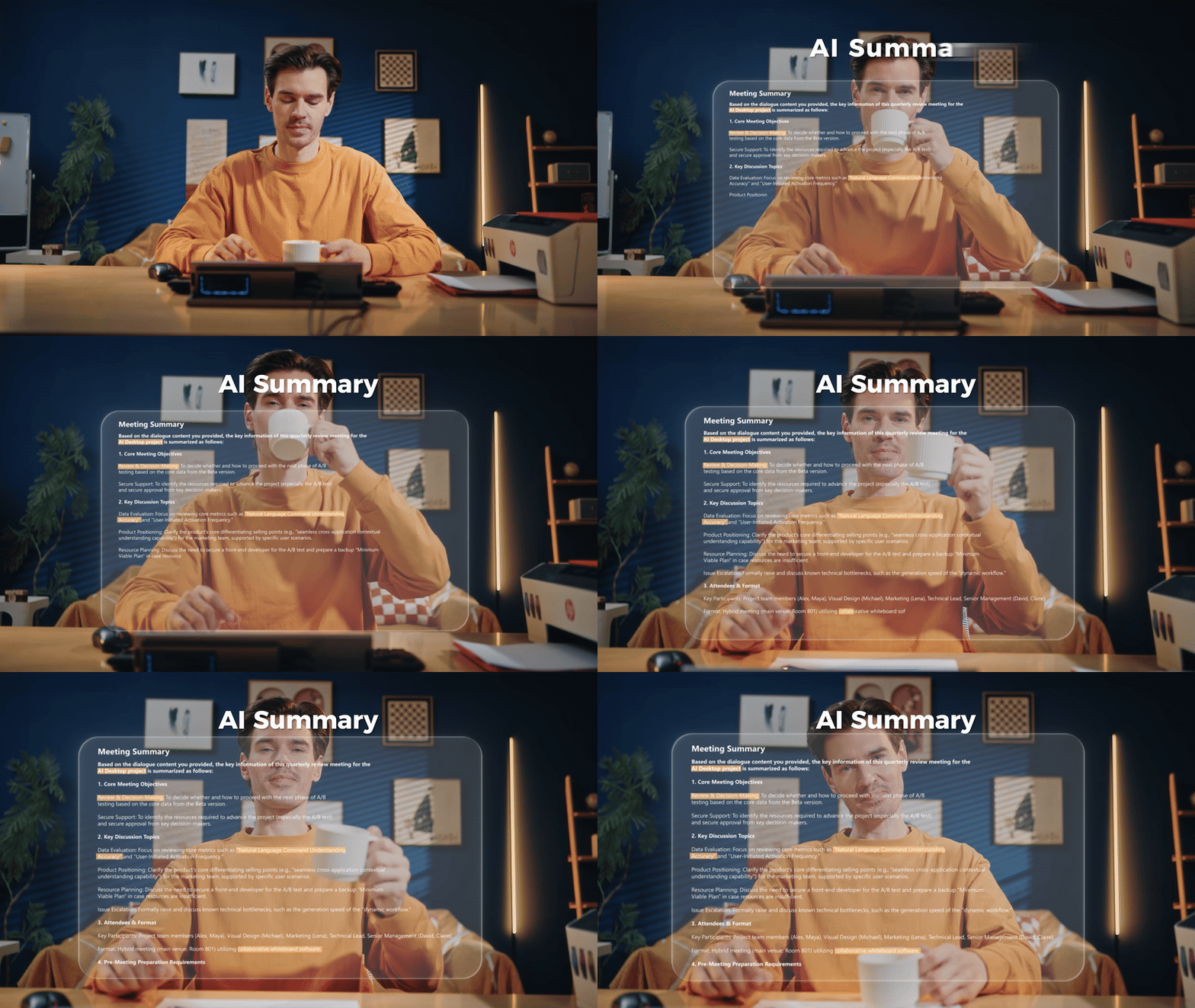
Al Auto - Summary
Get a structured meeting summary the moment it ends. Select from 10 templates and effortlessly share key points with your team - no manual notes needed.
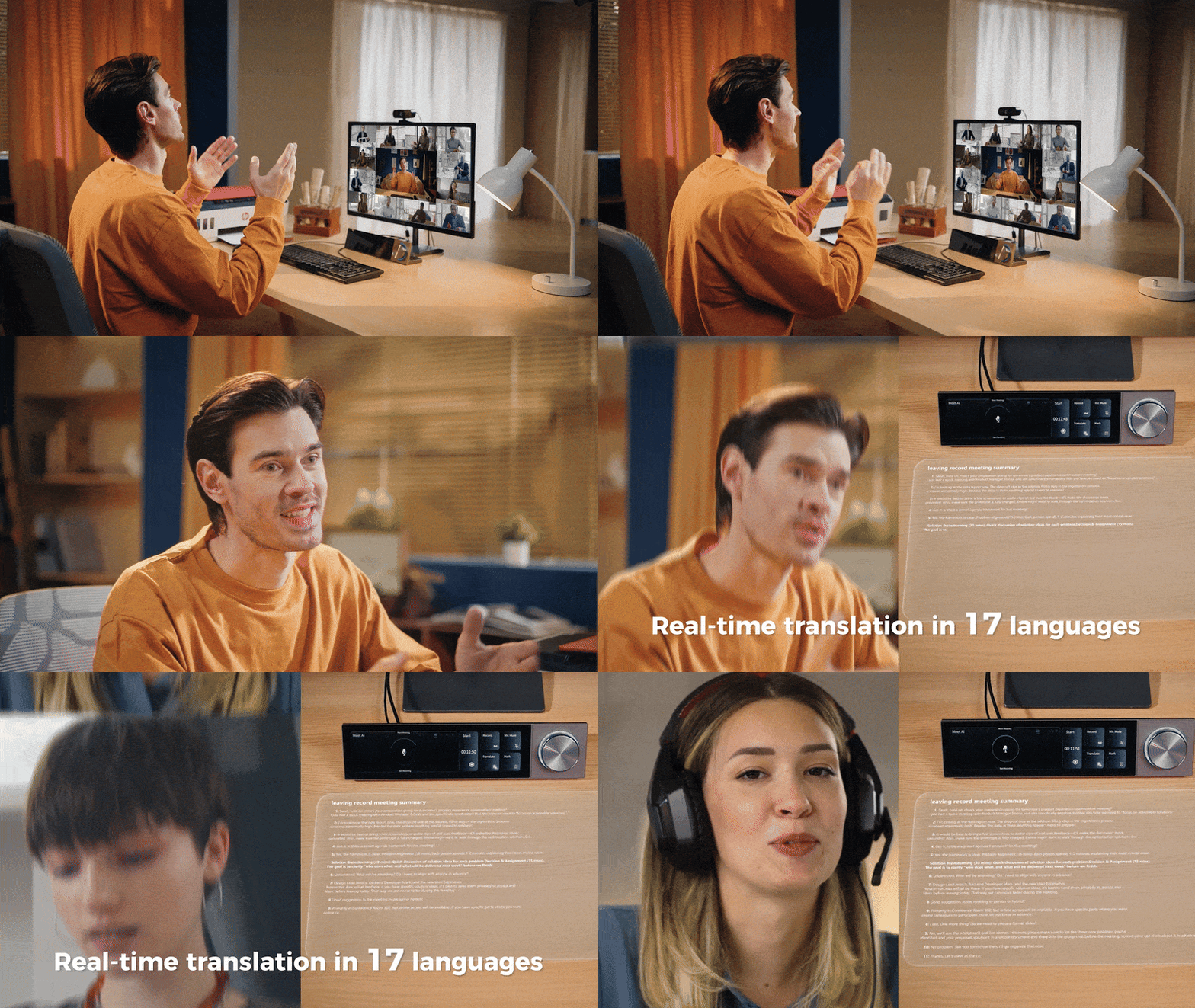
Real - Time Translator
Break language barriers instantly. Enable Translate Mode for live captions and translation across 17 languages. Communicate globally as smoothly as speaking your own language.

Absence Recap
Step away without missing a beat. Tap Record as you leave. When you return, tap again to instantly get an Al summary and transcript of just what you missed.
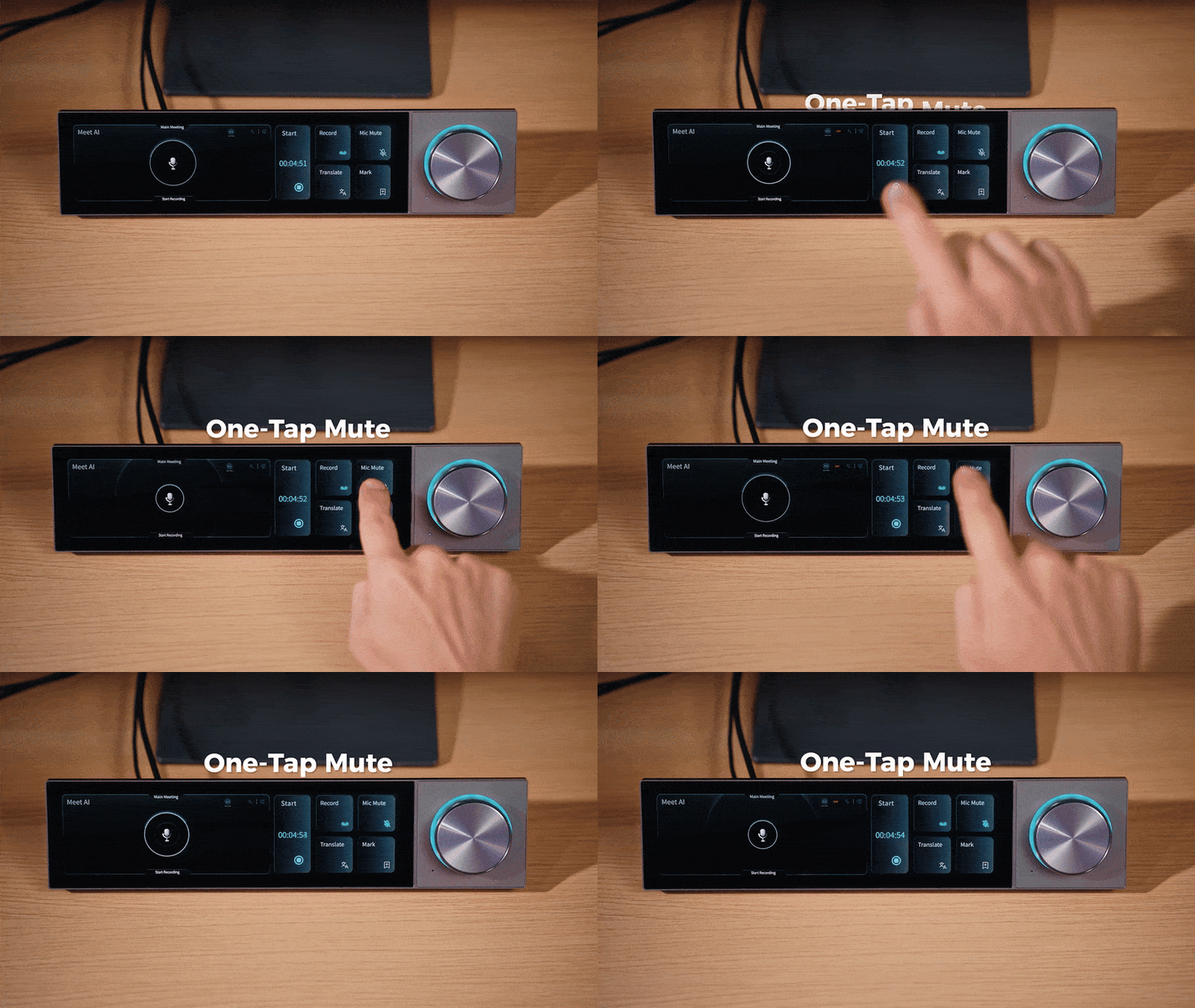
One-Type Mute
Tap the Mic Mute key in Meet Al to instantly mute your microphone across all apps.
Feature Two
"Describe your action. AI builds the shortcut panel. No memory required."
AI Creative Console
Technology: Voice-to-command engine + workflow recording + pre-mapped shortcut panels.
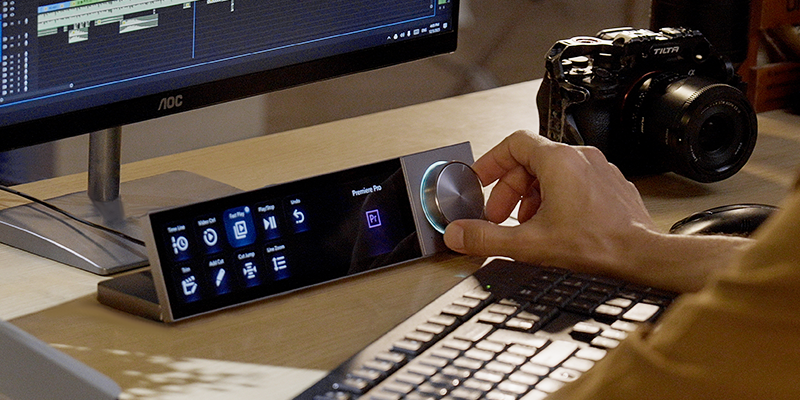
Problem solved: No more memorizing hundreds of shortcuts across Photoshop, Premiere, or other tools. Just tell Quake what you need, and it generates a custom control panel. Or record a repetitive task once — Quake learns it and runs it with one tap.
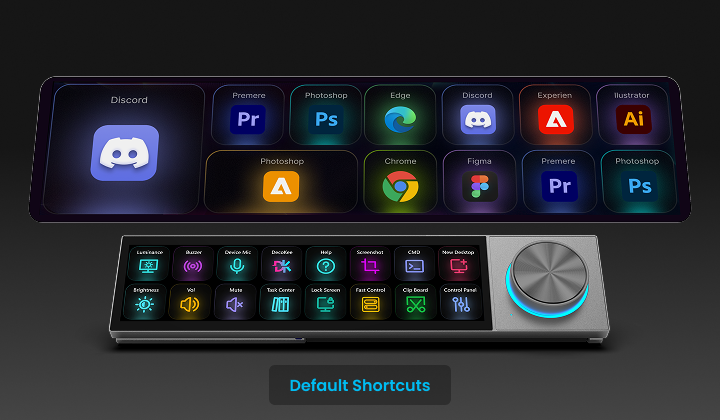
Pre-mapped Shortcut Panels
Hold the side knob, speak to the Al, and it will intelligently generate custom shortcut sets for your frequently used software like Photoshop and Office.
Feature Three
"One screen to rule your stream, game, and desk."
All-in-One Desktop Command Center
Technology: Pre-configured hotkey mapping for OBS, Discord, system monitoring, and smart home APIs.
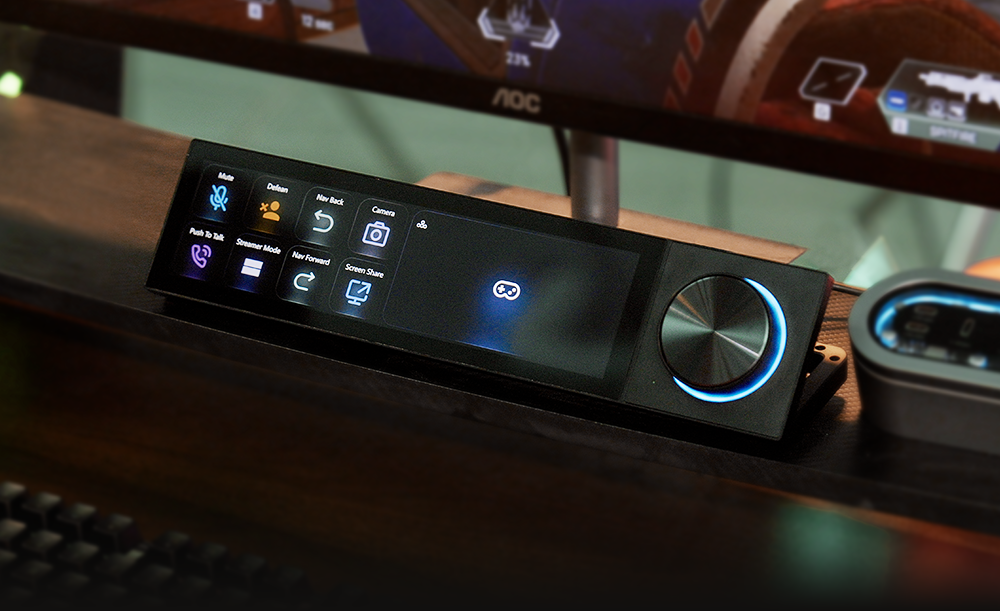
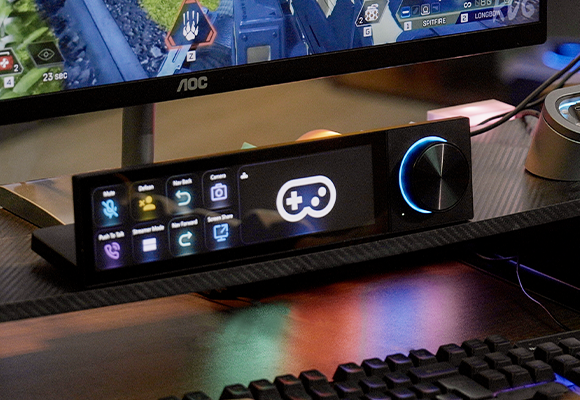
Problem solved: Stop juggling between apps and devices. Quake replaces a Stream Deck, a system monitor, a media controller, and a voice hub — all on one 8.8-inch touchscreen. Switch OBS scenes, mute Discord, check CPU load, or control your lights. One screen. Zero clutter.
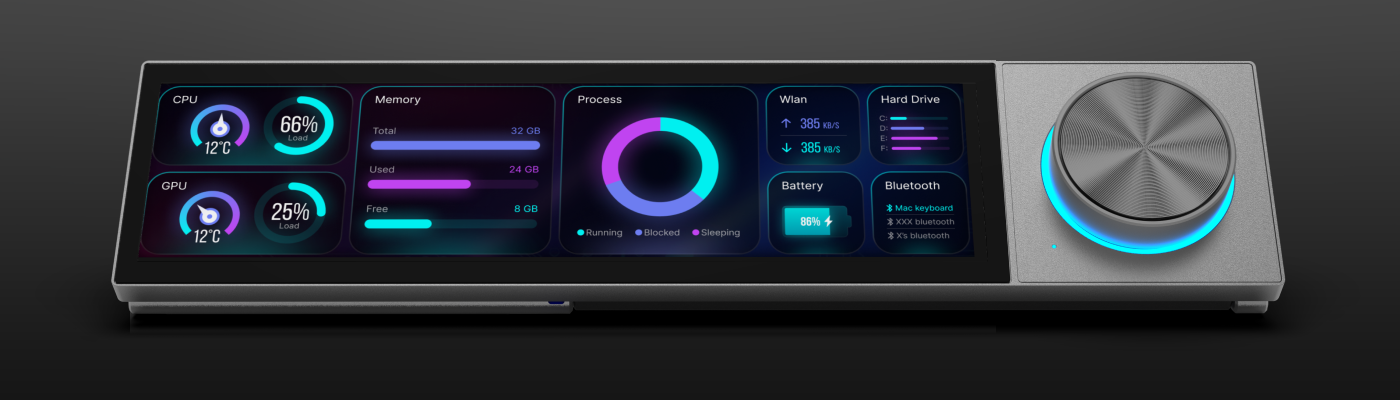
Real-Time System Monitoring
Keep your system in check at a glance. Quake's touch panel displays real-time CPU, memory, and network status helping you monitor your computer's health effortlessly while you work or play.
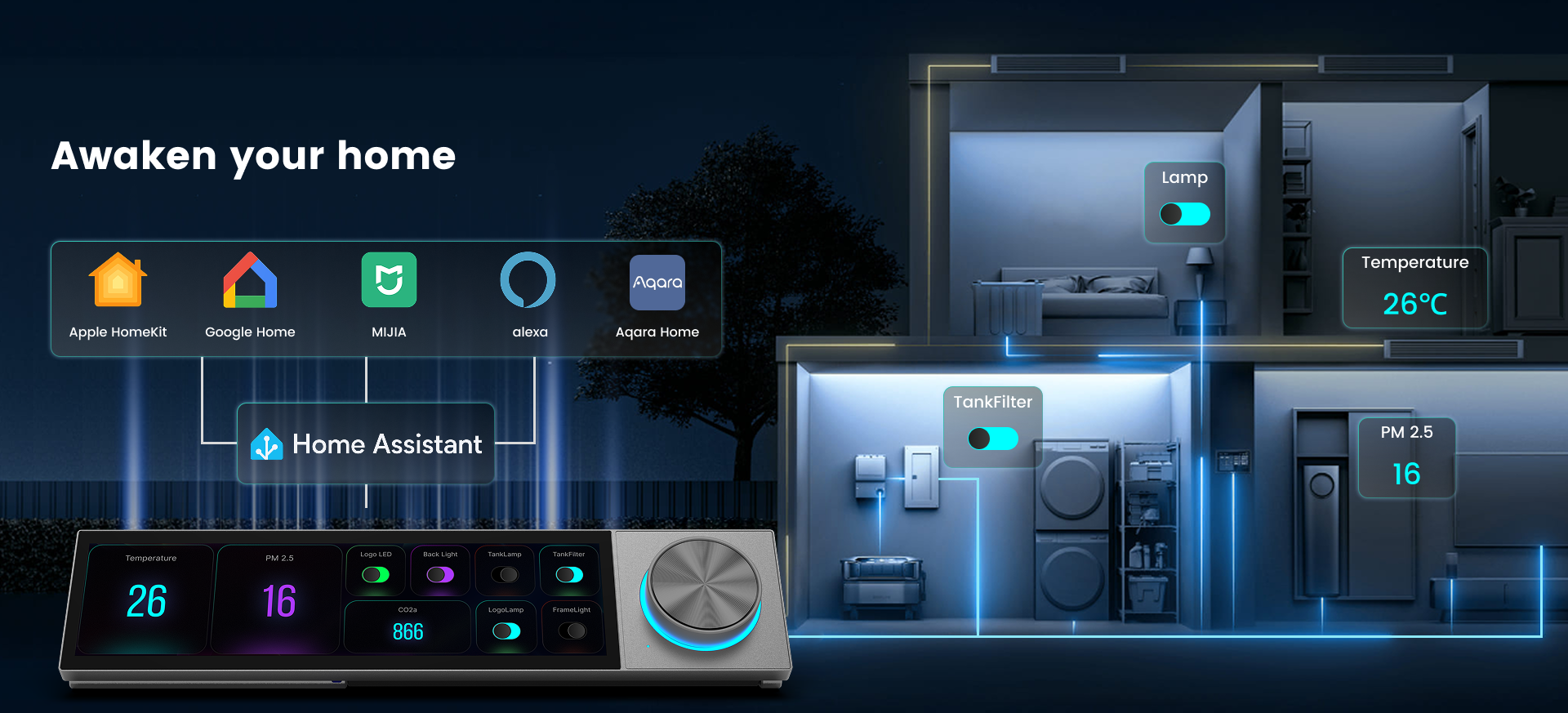
Three scenarios are just the start.
Explore Infinite Possibilities
Quake is built to grow with you. Under the hood, you’ll find:
An open AI Agent Framework
Don’t like OpenClaw? Swap it out. Connect any OpenAI‑compatible model (ChatGPT, Claude, Gemini, DeepSeek, or your own local LLM). No lock‑in. Full freedom.
100+ Pre‑built AI Roles
Need a “Patent Drafter,” “Startup Pitch Coach,” or “Python Debugger”? They’re already there. Or craft your own personality with SOUL.md and IDENTITY.md.
SDK for Developers
Use Python or JavaScript to build custom plugins for any app you love. Premiere, Blender, Figma, or your own internal tools — the limit is your imagination.
What else can Quake do?
That’s up to you. Automate your expense reports. Turn your desk into a smart home hub. Build a live dashboard for your stock portfolio. Control your 3D printer. Quake is a canvas — not a cage.
👉 One screen. One knob. Unlimited possibilities.
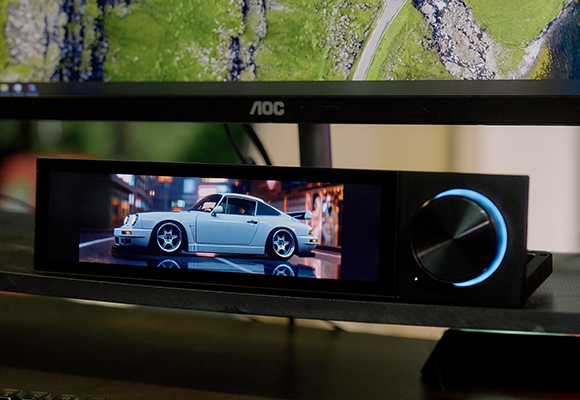
Technical Specifications
DECOKEE Quake
Display & Interaction
| Panel | 8.88" IPS LCD, 1920×480 resolution |
| Touch | 5-point capacitive touchscreen with gesture support |
| Brightness | ≥450 nits |
| Knob | Infinite rotation + push-button + RGB light ring for status feedback |
| Lighting Feedback | Indicates recording, translation, or AI activation states |
Connectivity
| Video Input | HDMI |
| Data & Power | USB 2.0 (Type-C) |
| Power Supply | 5V / 2A via USB |
| Compatibility | Windows / macOS / Linux |
Construction & Design
| Body Material | Aluminum alloy (CNC machined) |
| Finish | Anodized matte with metallic texture |
| Rear Window | Transparent backplate (DECOKEE signature aesthetic) |
| Form Factor | 0~60° ergonomic desktop viewing angle |
| Dimensions | 311 × 72 × 23.4 mm |
| Weight | ~800 g |
Audio
| Microphone | Far-field single microphone with algorithmic noise reduction |
| Purpose | Supports AI meeting notes, voice commands, and audio input |
More Discuss?
Discord Game Controls, OBS Studio Controls, Themes, AI Work Flow, and more...