
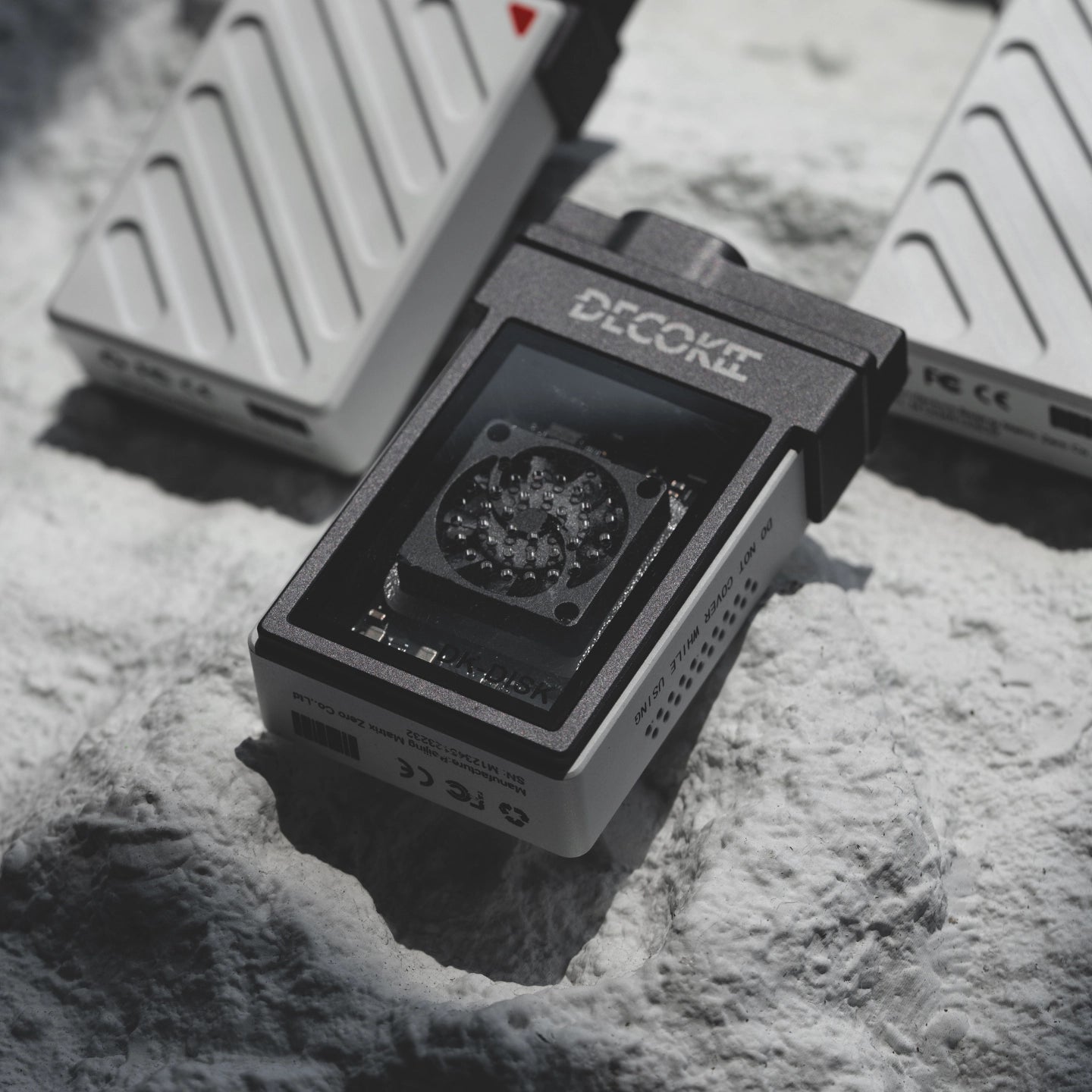
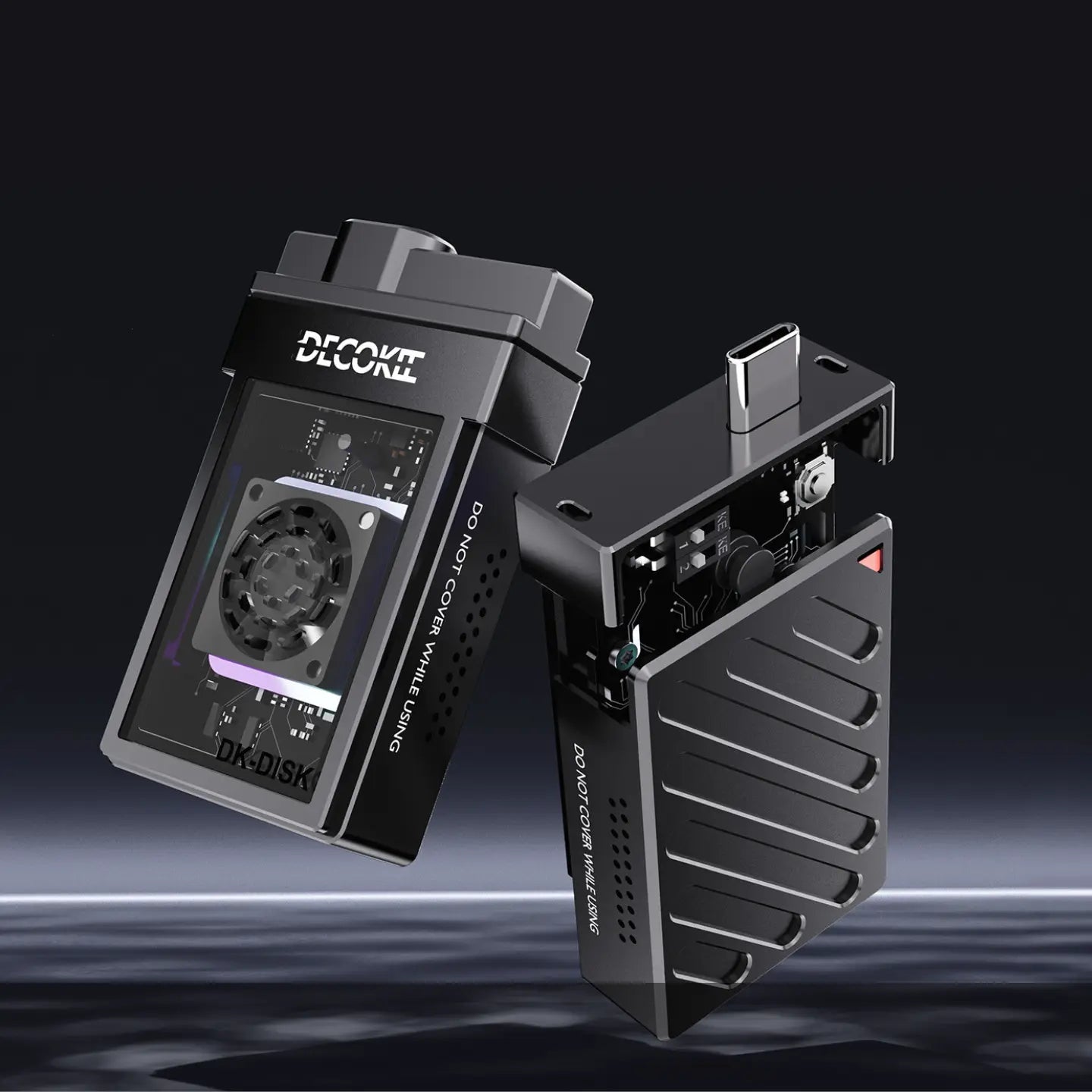
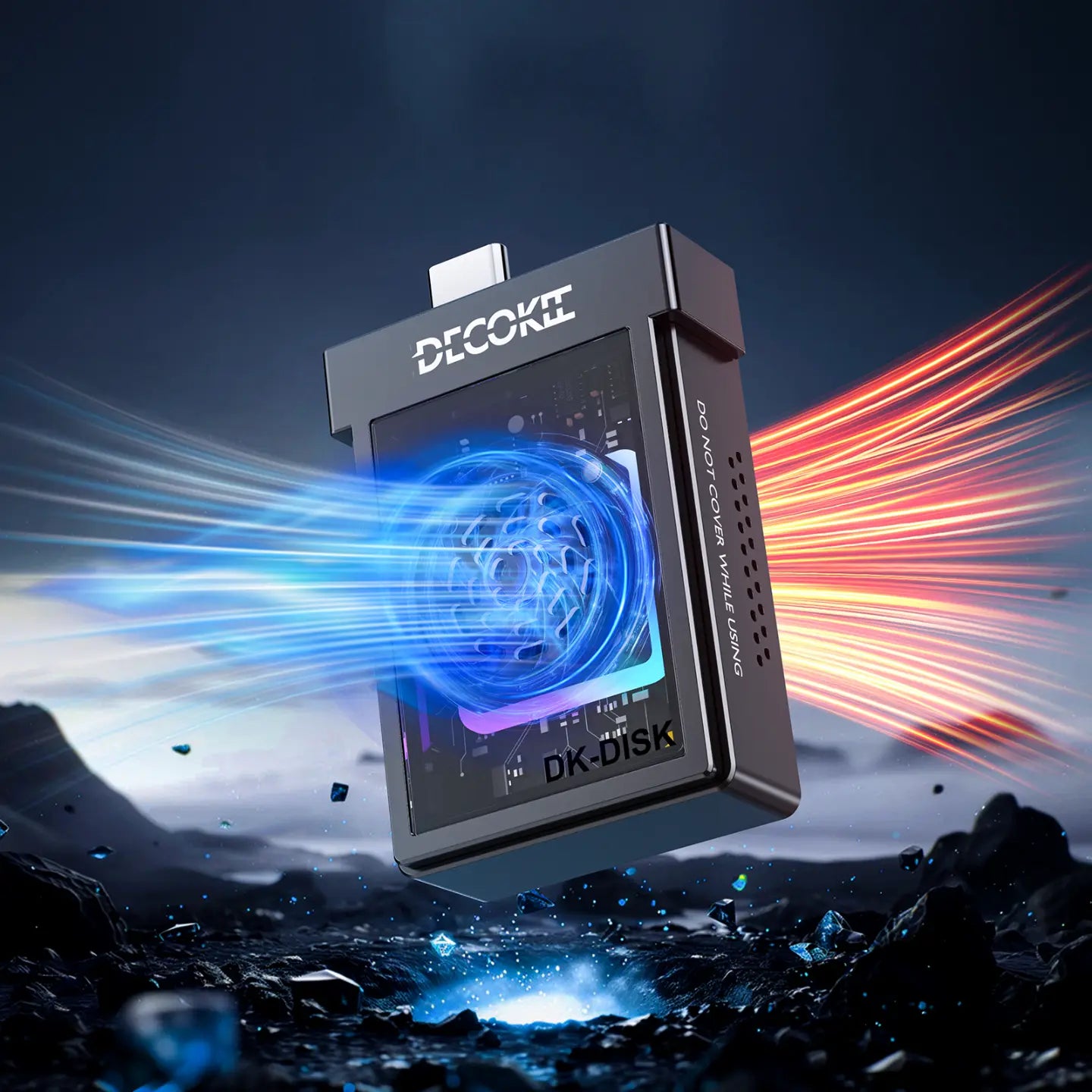
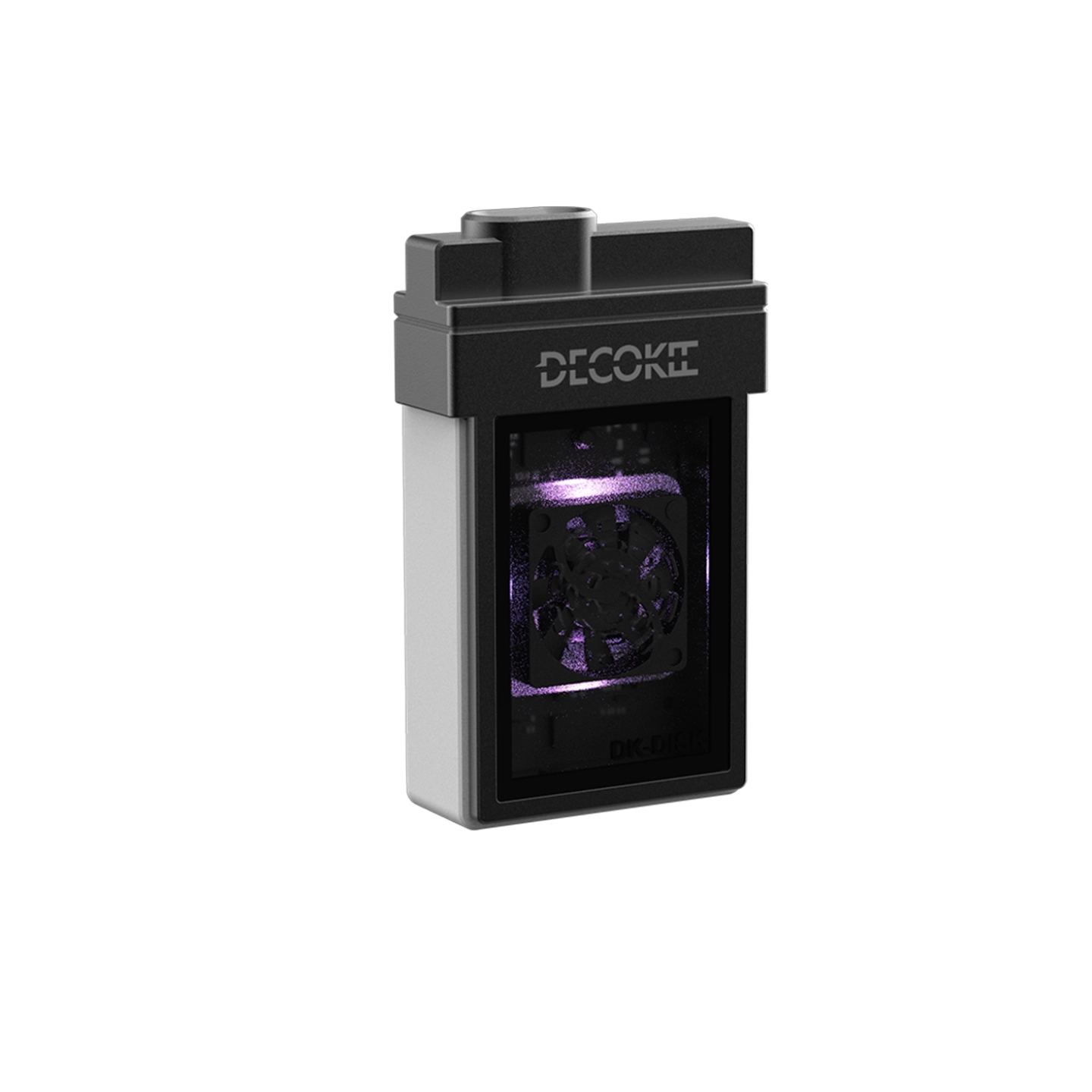
DK-DISK (SSD Enclosure)
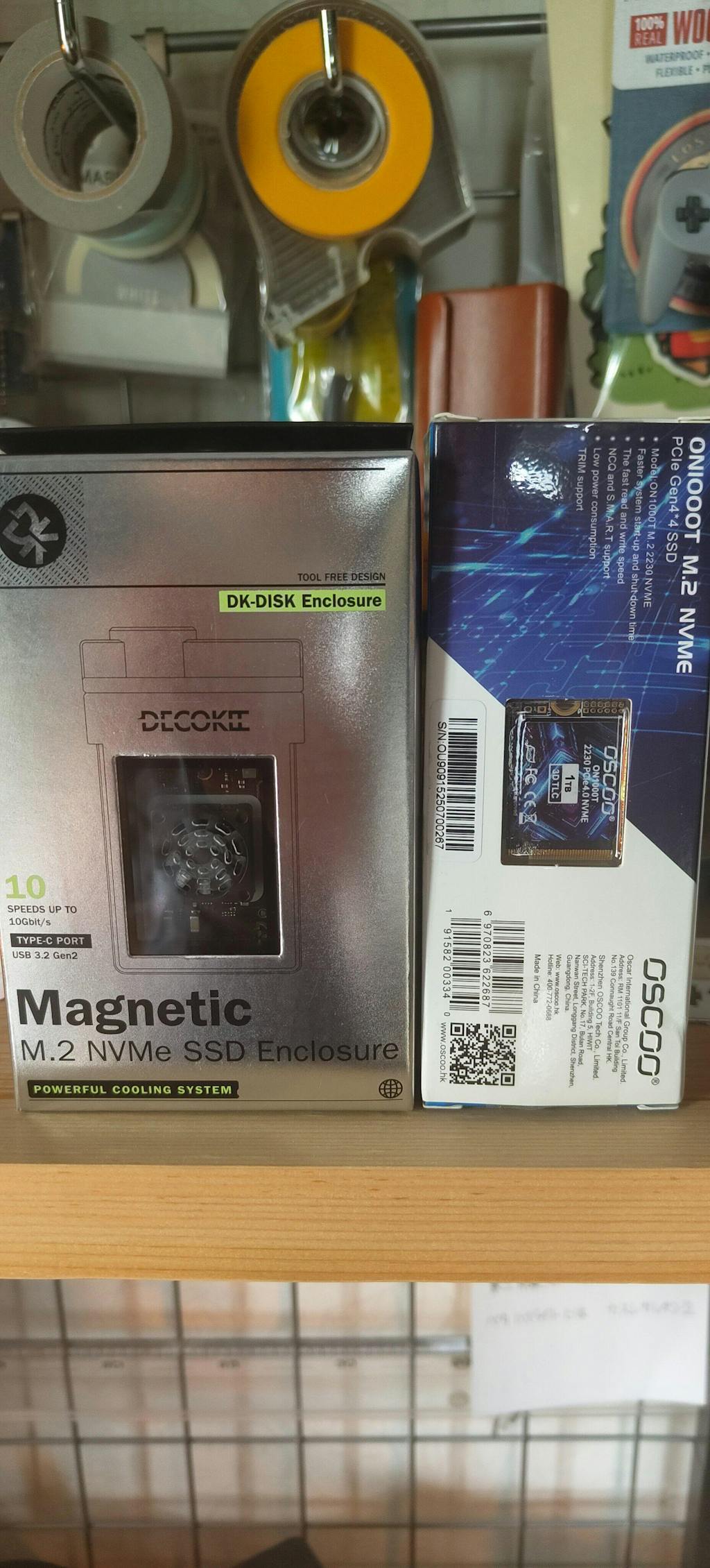
- Magnetic Portable M.2 NVMe SSD Enclosure for 2230 SSD Disk
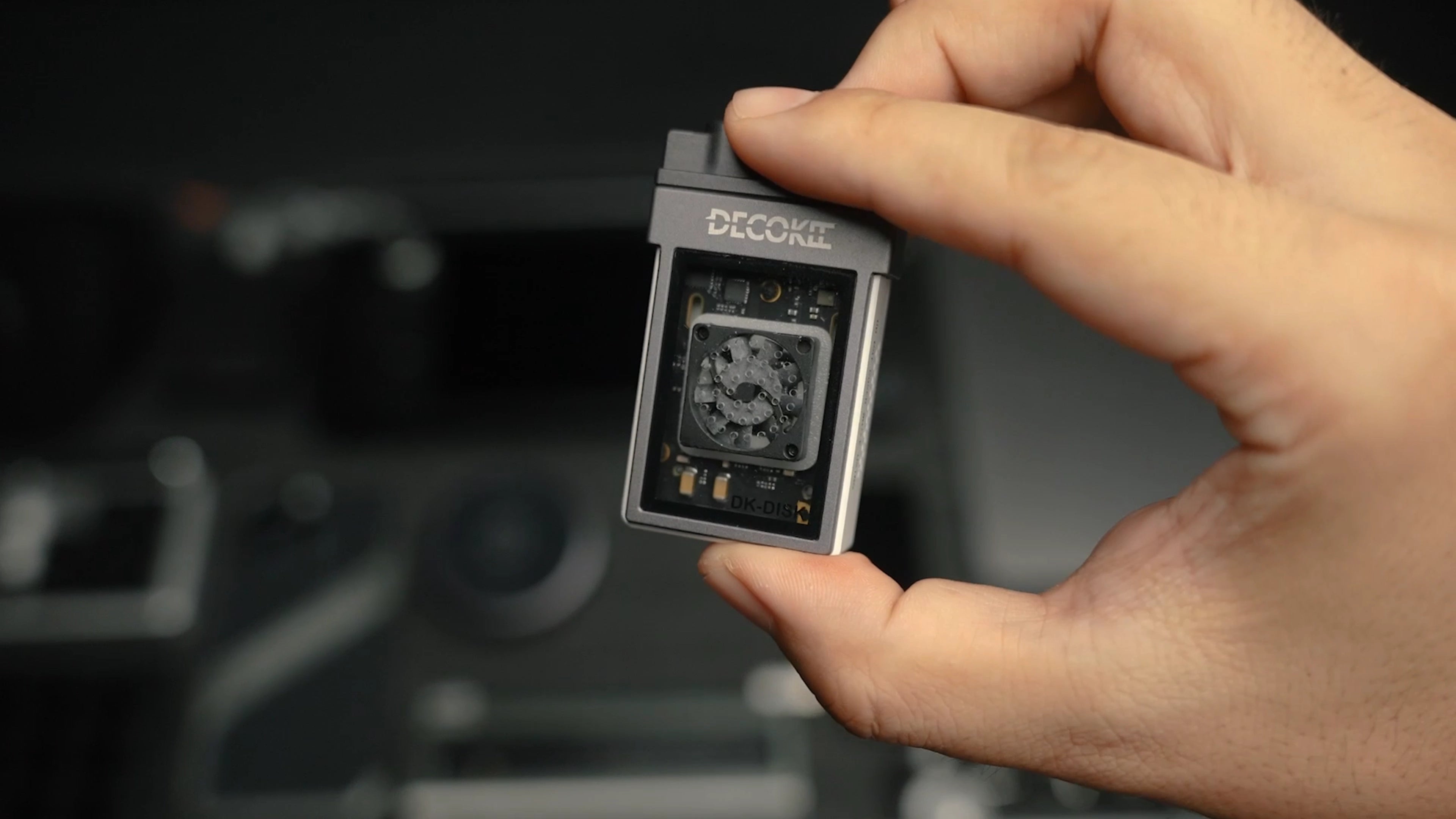
- Portable and light weight only xx g
- Support up to 2T M.2 2230 DISK
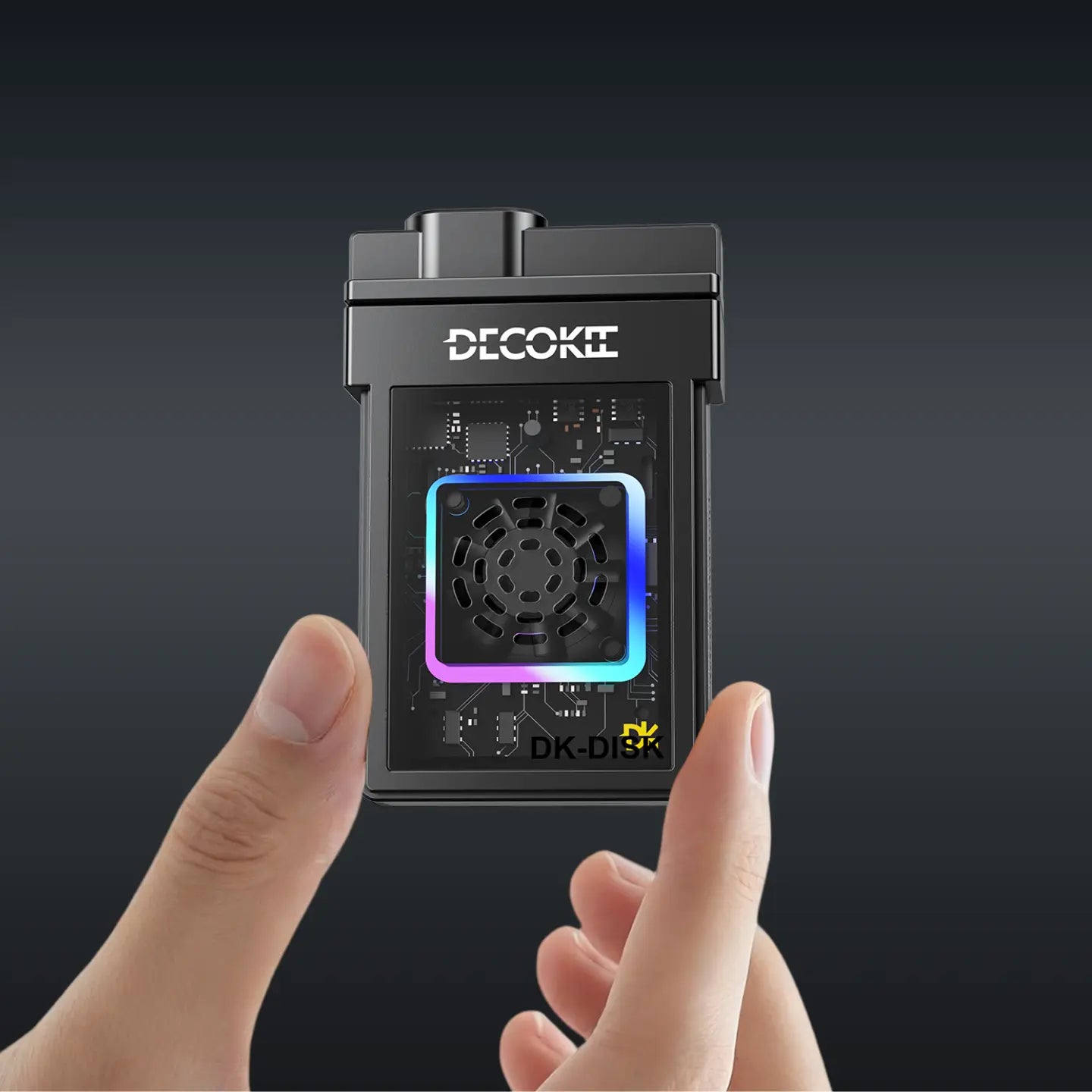
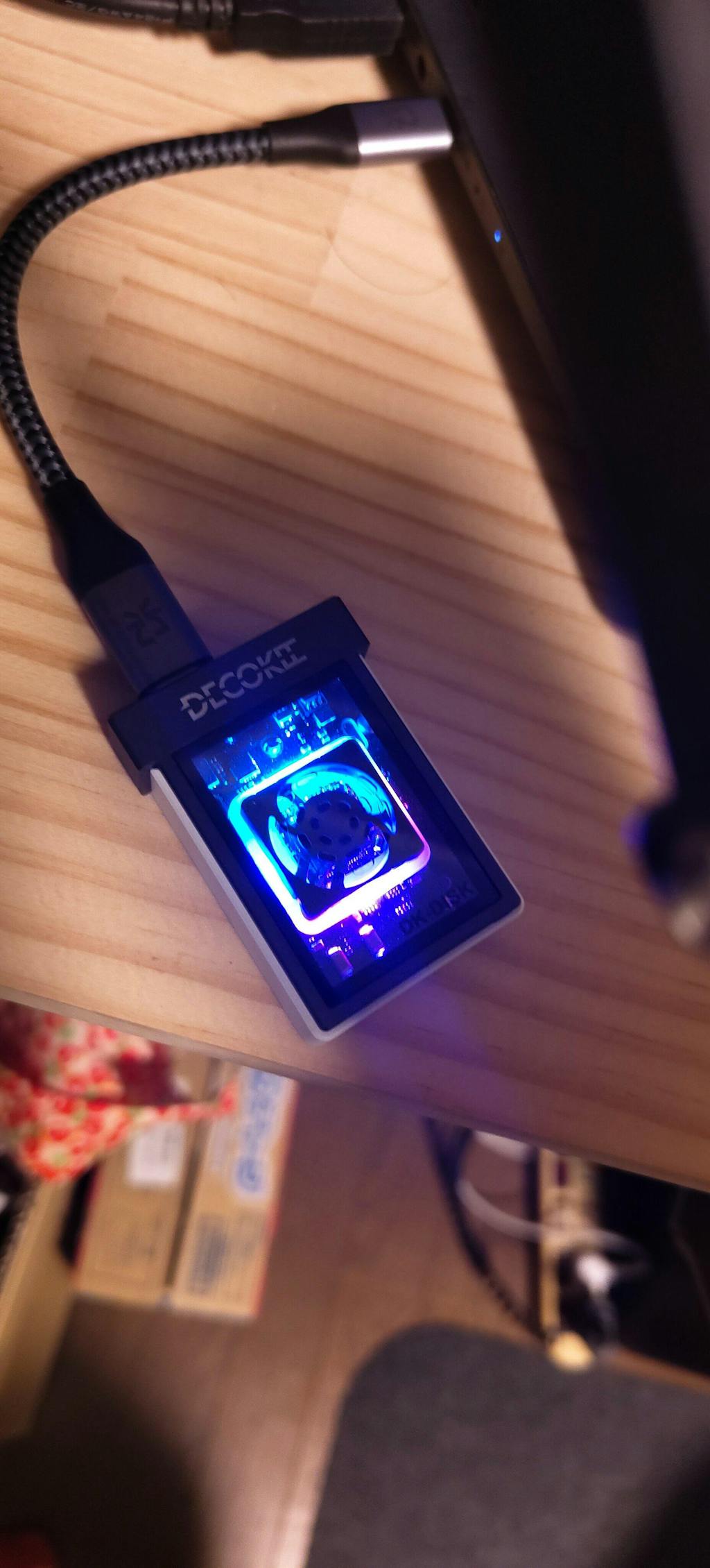
- Active cooling fan and colorfull LED
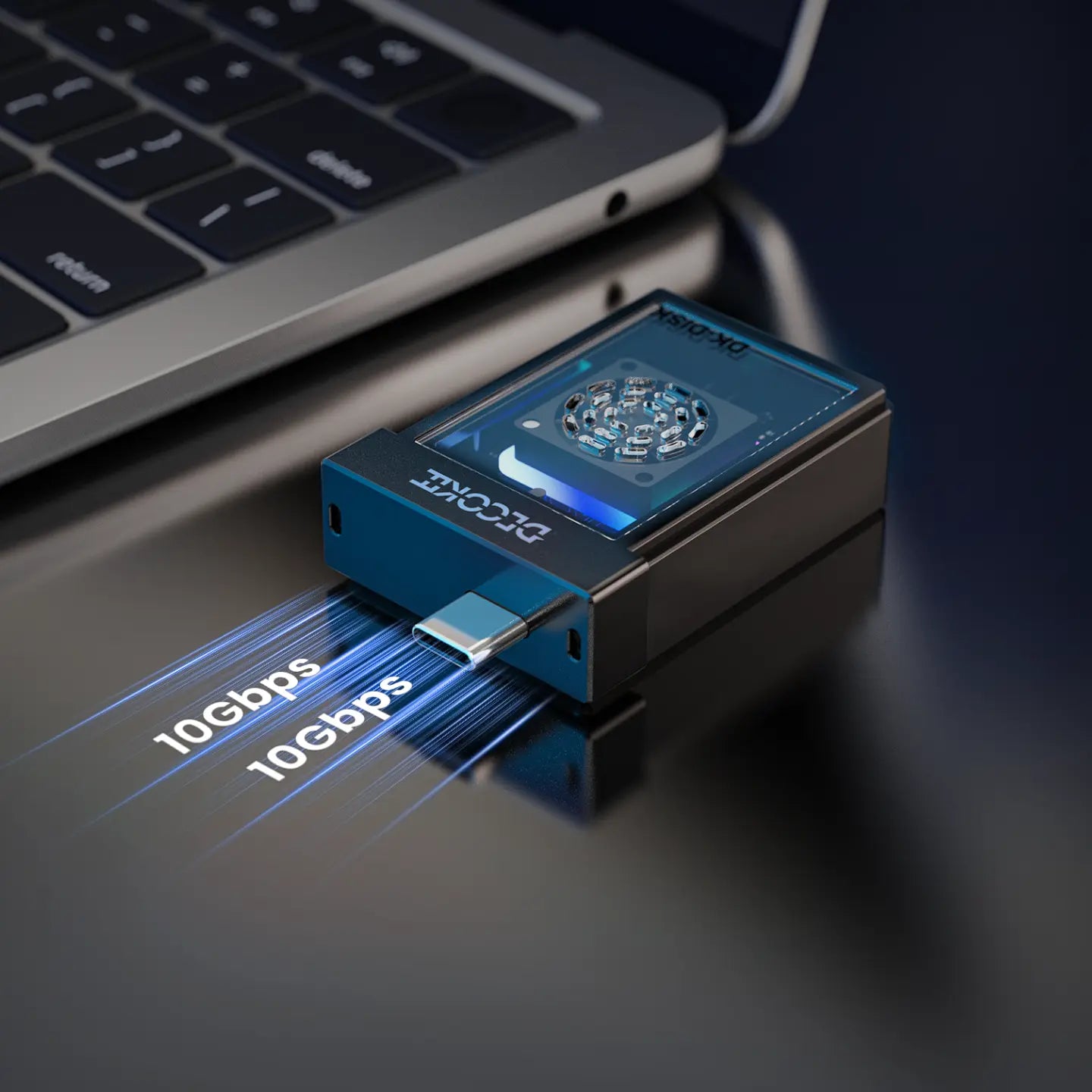
- Support USB3.2 Gen2 Type C and male port
- Transfer speed up to 10Gbit/s
- Tool free on assembly
- Fan and LED off switch support
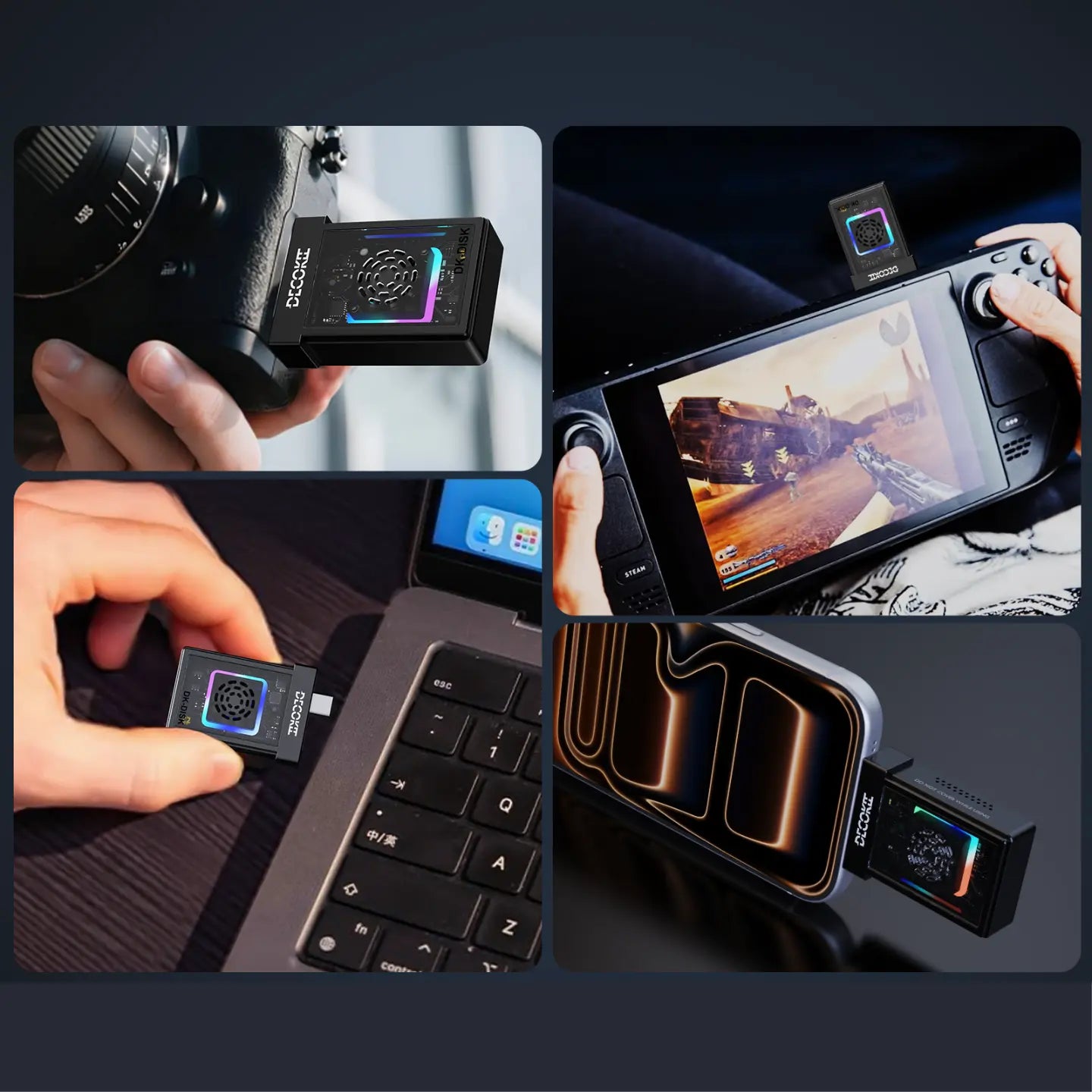
- perfect external storage solution for Iphone15/16
Compatible devices: Desktop/Laptop computer, MacBook, Steam Deck, PS5, XBOX, IPad IPhone15/16 and android smart phones and etc.
Pairs well with
30-Day Money-Back Guarantee
At DECOKEE, we are committed to delivering high-quality and reliable products. If you experience any issues with your Quake, please contact our Customer Support Team at support@decokee.com for assistance.
We offer a 30-day return policy from the date of delivery, allowing you to return your order for a full refund under the following conditions:
- The product is unused, unboxed, and in original condition.
- All original packaging, accessories, manuals, and documentation must be included.
- The return request must be made within 30 days from the date of delivery (based on tracking information).
- Damage from outside sources
- Products without sufficient proof of purchase
- Lost or stolen products
- Non quality-related issues
- Free products / Free gifts / Discounted products
- Repairs through 3rd parties / Purchases from unauthorized resellers
- Damage from misuse (falls, extreme temperatures, water, improper operation)
- Products returned without complete original packaging
Return & Exchange Requirements: You need to provide photos and a video of the product for return or exchange. After our review, we will assist you with the process.
Shipping Costs:
- If the return is due to quality issues (within one month) or incorrect items sent, DECOKEE covers the return shipping fee.
- If the return is due to personal reasons (change of mind, incorrect purchase), the customer is responsible for the return shipping fee.
How to Initiate a Return:
- Email support@decokee.com with your order number, proof of purchase, and photos/videos of the issue.
- Our team will review and provide a return authorization and shipping address.
- The return must be shipped within 7 days of approval — otherwise the request may be voided.
1-Year Warranty Coverage
Return & Exchange Process
To initiate a return or exchange, please follow these steps:
1) Contact DECOKEE Support
Email support@decokee.com with your order details, including:
- Order number / Proof of purchase
- Photos or videos showing the issue (if applicable)
- Complete shipping address & contact number
2) Receive Confirmation & Return Address
Our support team will review your request and provide a return authorization and the appropriate return address.
The return must be shipped within 7 days of approval. Otherwise, your request may be voided.
3) Ship the Product & Provide Tracking
Customers must provide the valid tracking number and shipping receipt within 7 days of receiving the return approval. Please ensure proper packaging to prevent damage in transit.
4) Inspection & Refund Processing
Upon receiving the returned item, our team will inspect it. If it meets our return conditions, a refund will be issued.
Refunds are processed within 10 business days to the original payment method (PayPal, credit card, etc.).
- Returns without prior approval will not be accepted.
- Shipping and handling fees are non-refundable.
- If the product is returned in a damaged or incomplete condition, DECOKEE reserves the right to refuse a refund or deduct a restocking fee.
Warranty Policy
DECOKEE provides a limited warranty for its products, covering manufacturing defects and quality issues within the specified period.
- Quake Desktop AI Assistant: 12 months
- DK-HUB / DK-HUB2: 12 months
- DK-STATION / DK-STATION LITE: 12 months
- Cables & Accessories: 6 months
- Warranty does not cover damages caused by misuse, accidents, unauthorized modifications, or external factors (e.g., water damage, extreme temperatures).
- Warranty claims require a valid proof of purchase.
If your product is defective within the warranty period, please contact support@decokee.com with:
- Your order number and purchase proof.
- A photo or video showing the issue.
- Your shipping address and contact details.
DECOKEE will either repair, replace, or provide an appropriate solution based on the warranty terms.
Replacement & Reissue Policy
If a product fails within the warranty period, we will replace it. In cases where returning the defective item is not feasible, we offer direct replacement with a nominal shipping fee as follows:
- Quake, DK-HUB, DK-HUB2, DK-STATION, DK-STATION LITE: $30
- Cables & Accessories: $5
Contact support@decokee.com and provide order details & defect proof. If a return is required, ship the defective unit and provide the tracking number. Upon confirmation, we will arrange a replacement shipment.
If the product has a quality issue within one month of receipt, we will cover the return shipping cost.
Order Cancellation & Modifications
1) Before Shipment: If you need to cancel or modify your order, contact support@decokee.com as soon as possible. Changes can be made for free if the order has not been shipped.
2) After Shipment: Once the order has left the warehouse, it cannot be canceled or modified. If needed, you can initiate a return under our 30-day return policy after receiving the item.
Lifetime Customer Support
If you have a question or comment for us, please contact us by email and you will receive support and a response within 48 hours on business days.
Support Email: support@decokee.com
💬 Join our Discord for faster support:
discord.com/invite/DsbznVyWwj
If you have any questions, you are always welcome to contact us. We'll get back to you as soon as possible, within 24 hours on weekdays.
-
Shipping Information
Use this text to answer questions in as much detail as possible for your customers.
-
Customer Support
Use this text to answer questions in as much detail as possible for your customers.
-
FAQ’s
Use this text to answer questions in as much detail as possible for your customers.
-
Contact Us
Use this text to answer questions in as much detail as possible for your customers.

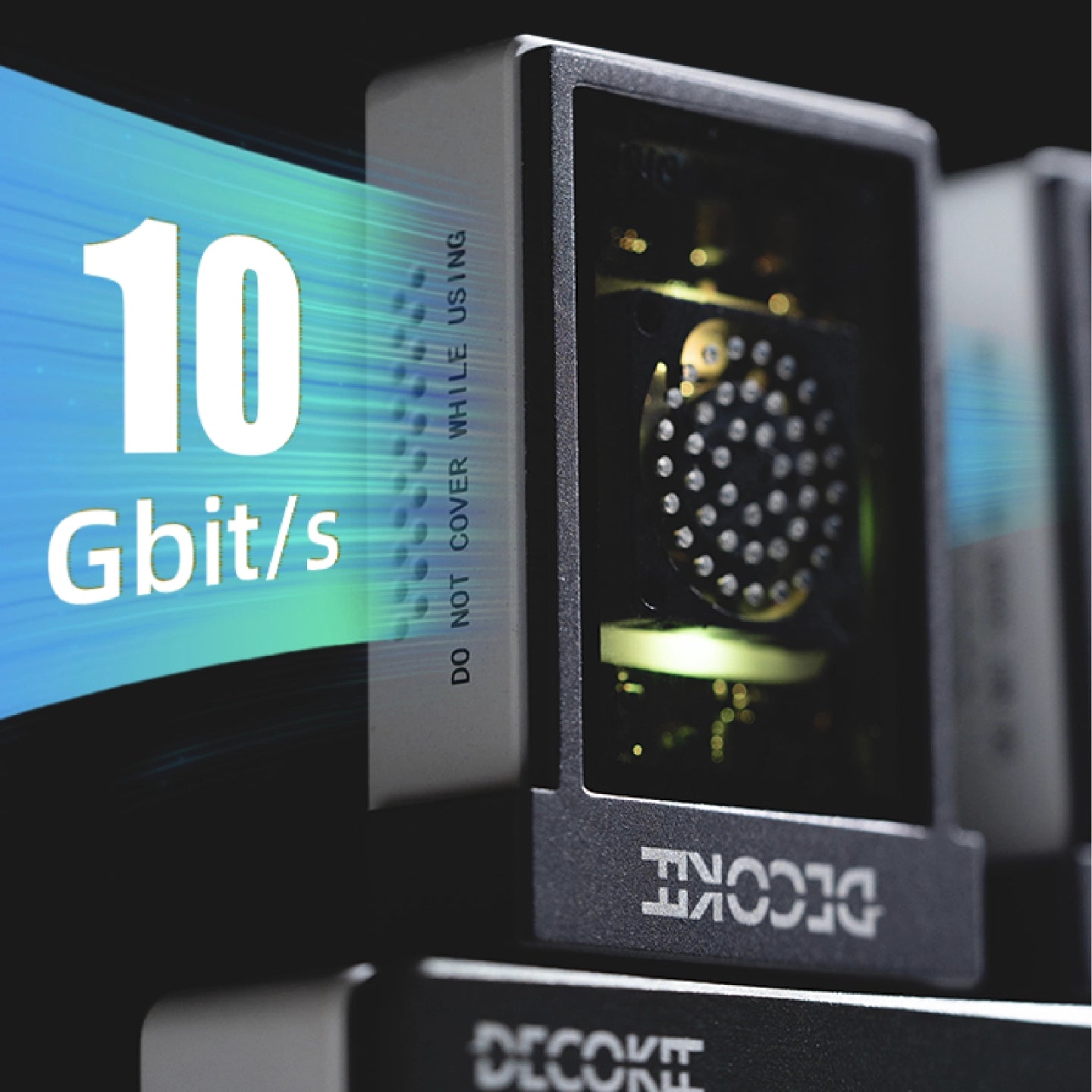
Up to 10Gbps, Incredible Speed
USB 3.2 Gen 2 supported. 10 Gbit/s transfer rate for lightning-fast file transfer
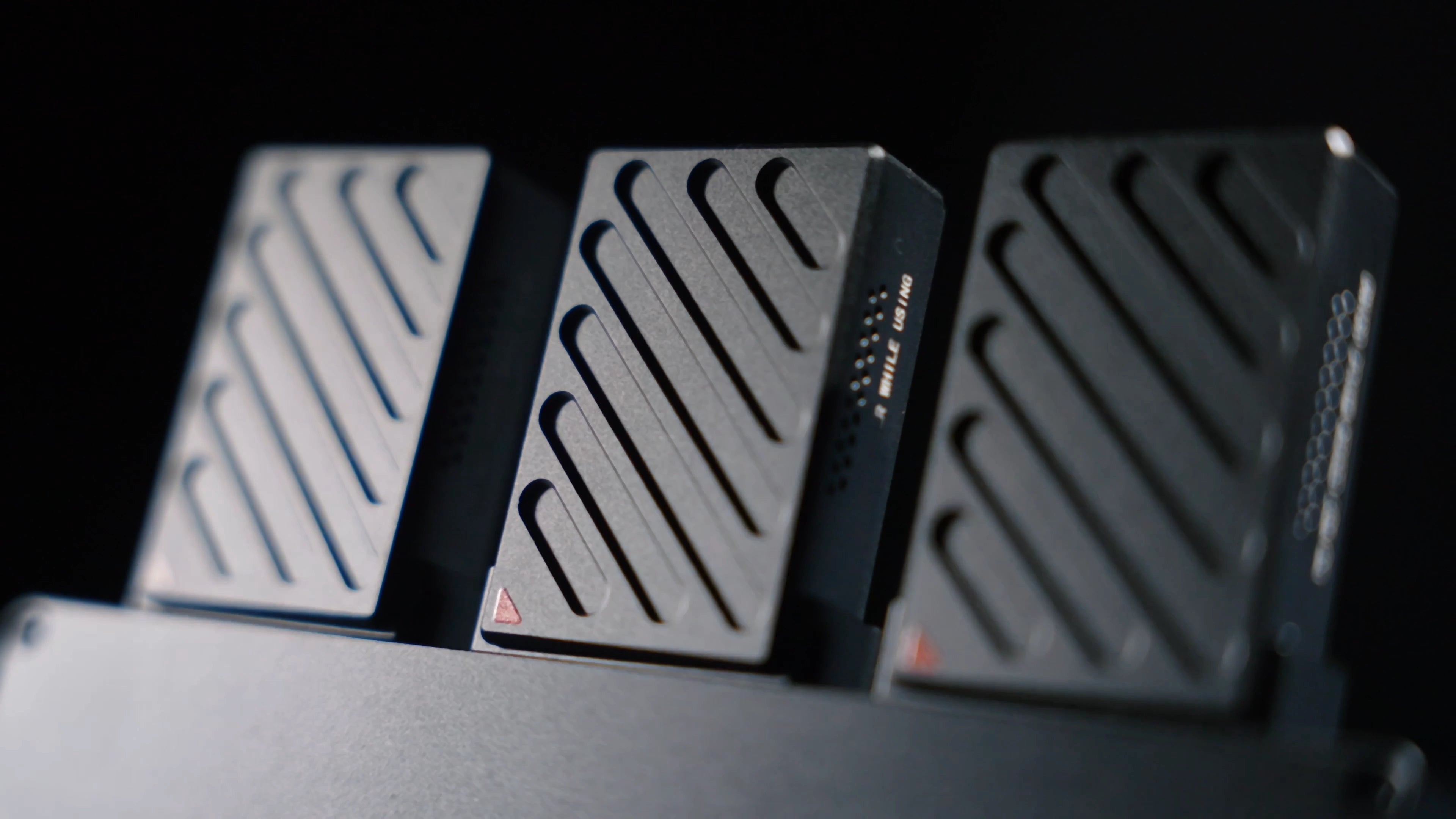
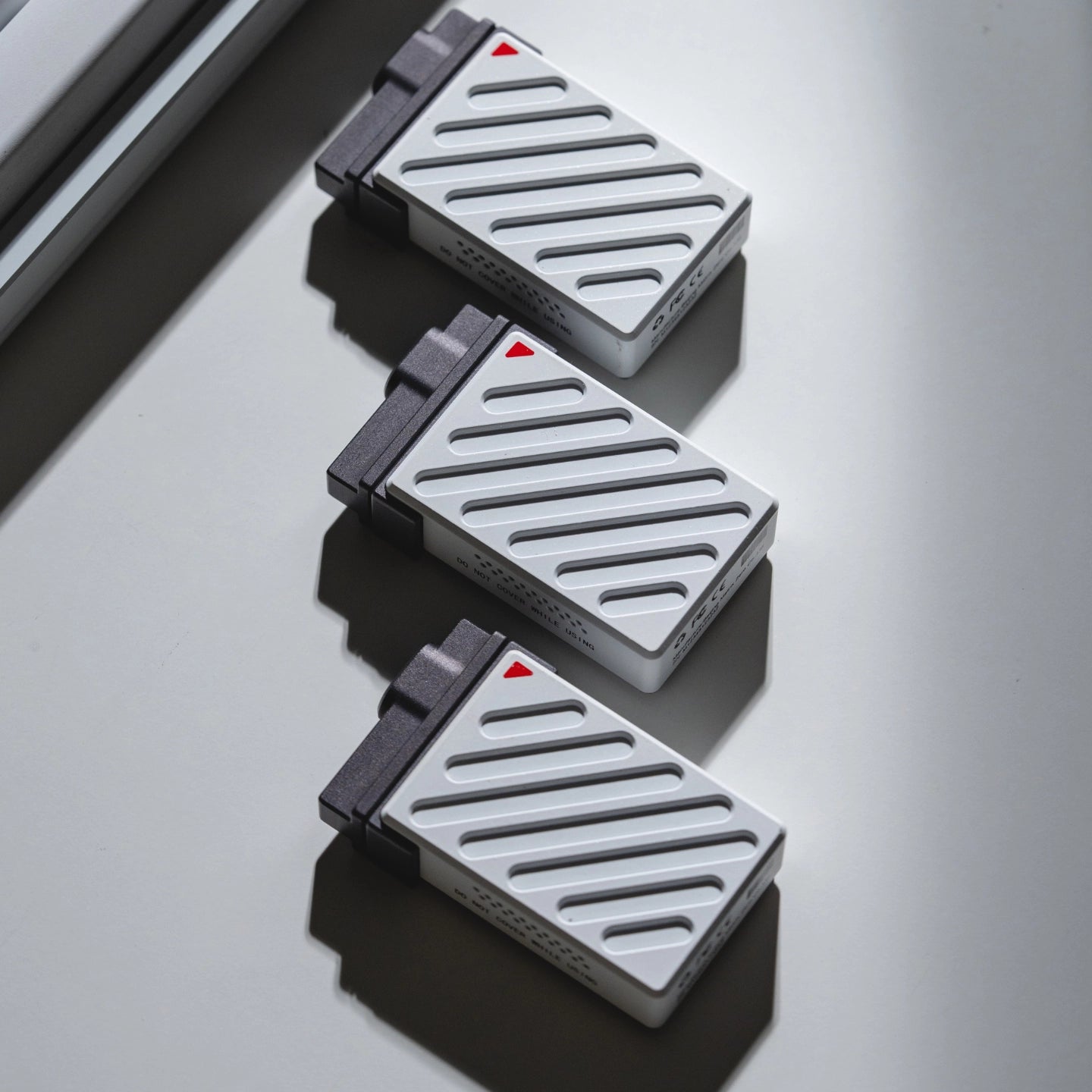
Cool Sleek Design
Innovation and Uniqueness, Craftsmanship and Precision, Aesthetic Appeal and Simplicity, Functionality and Durability, and advanced technology integration are the pursuing goal of DECOKEE
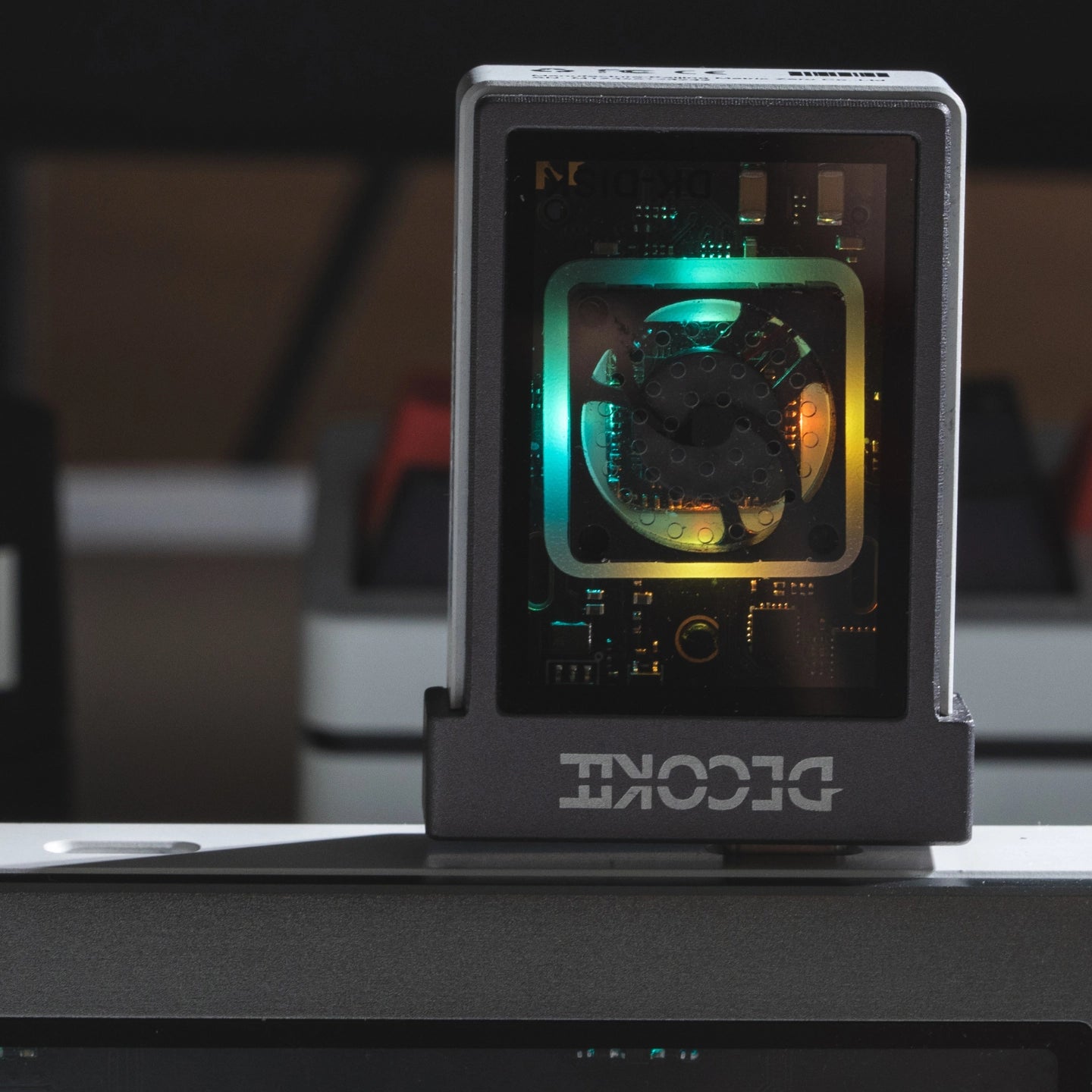
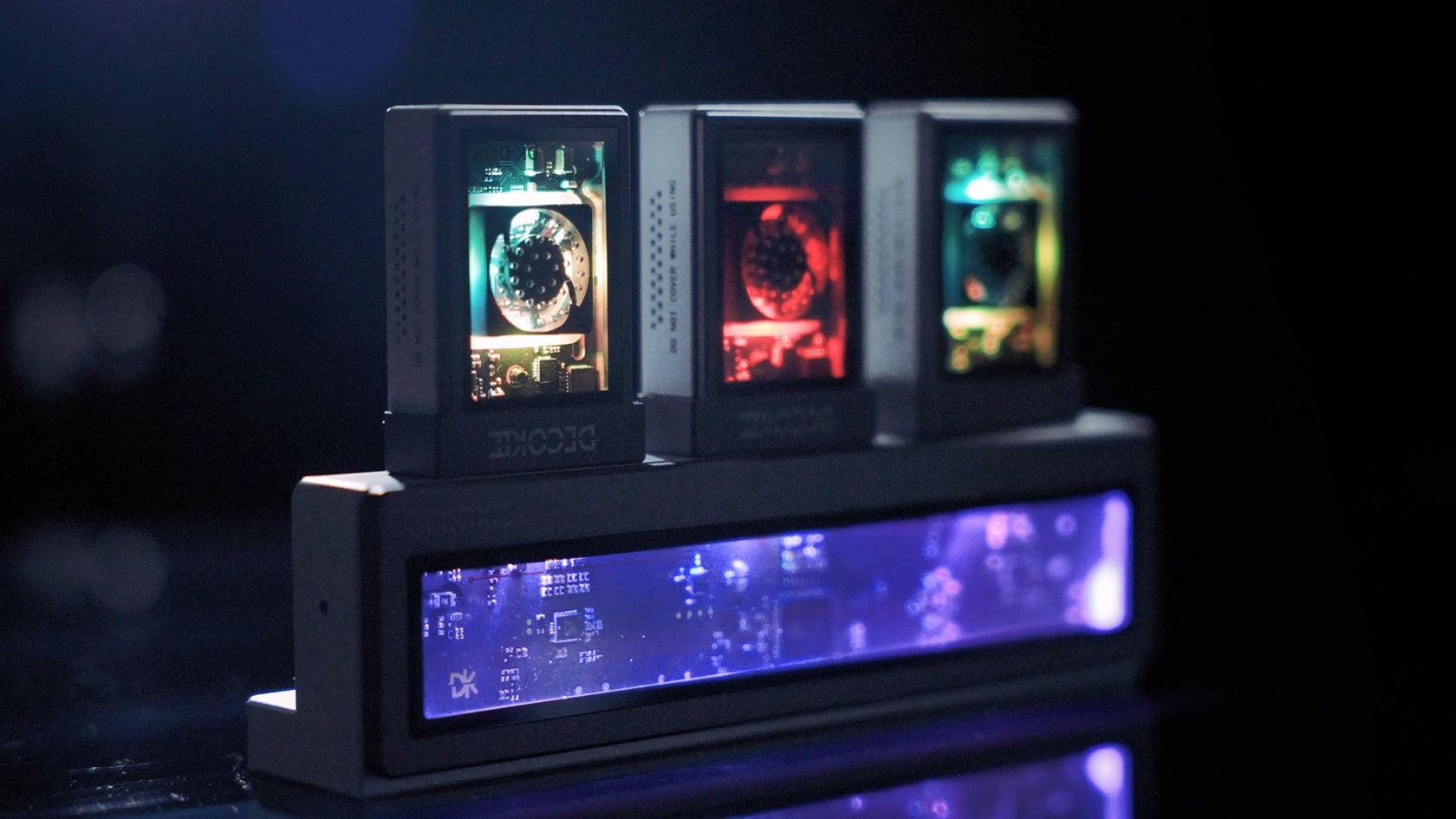
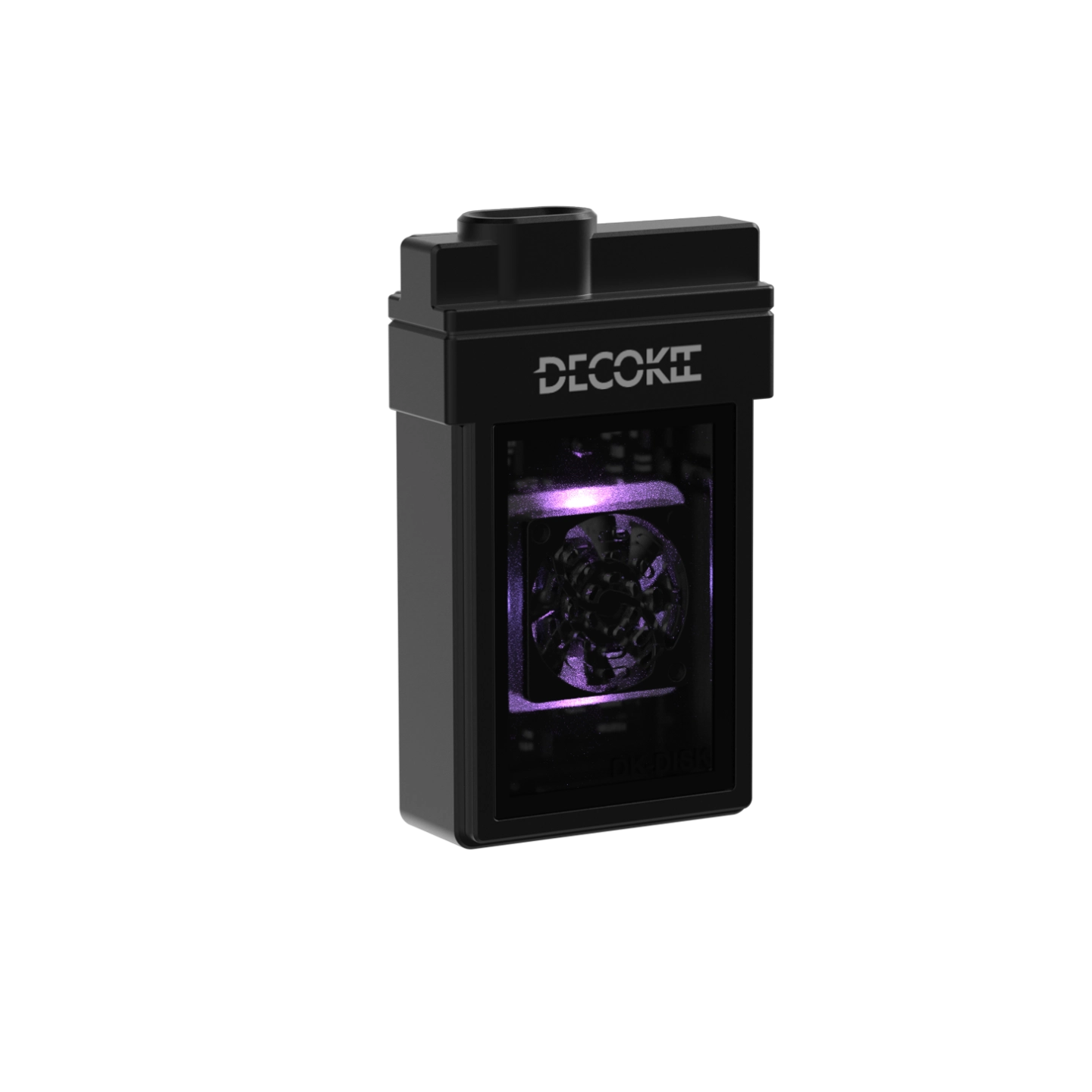
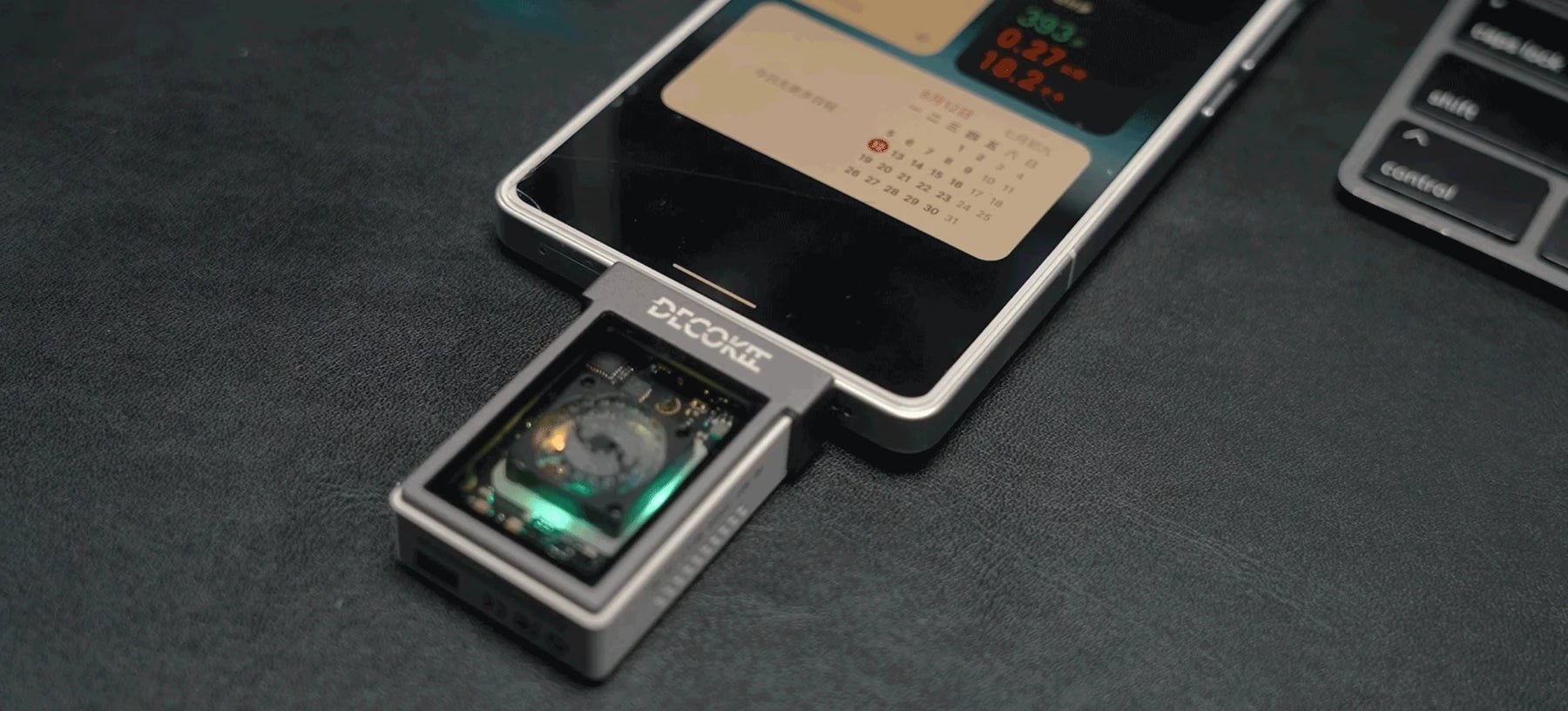
Stylish & Dynamic LED Lighting
Transparent window and LED lighting add a unique, vibrant touch to your workspace
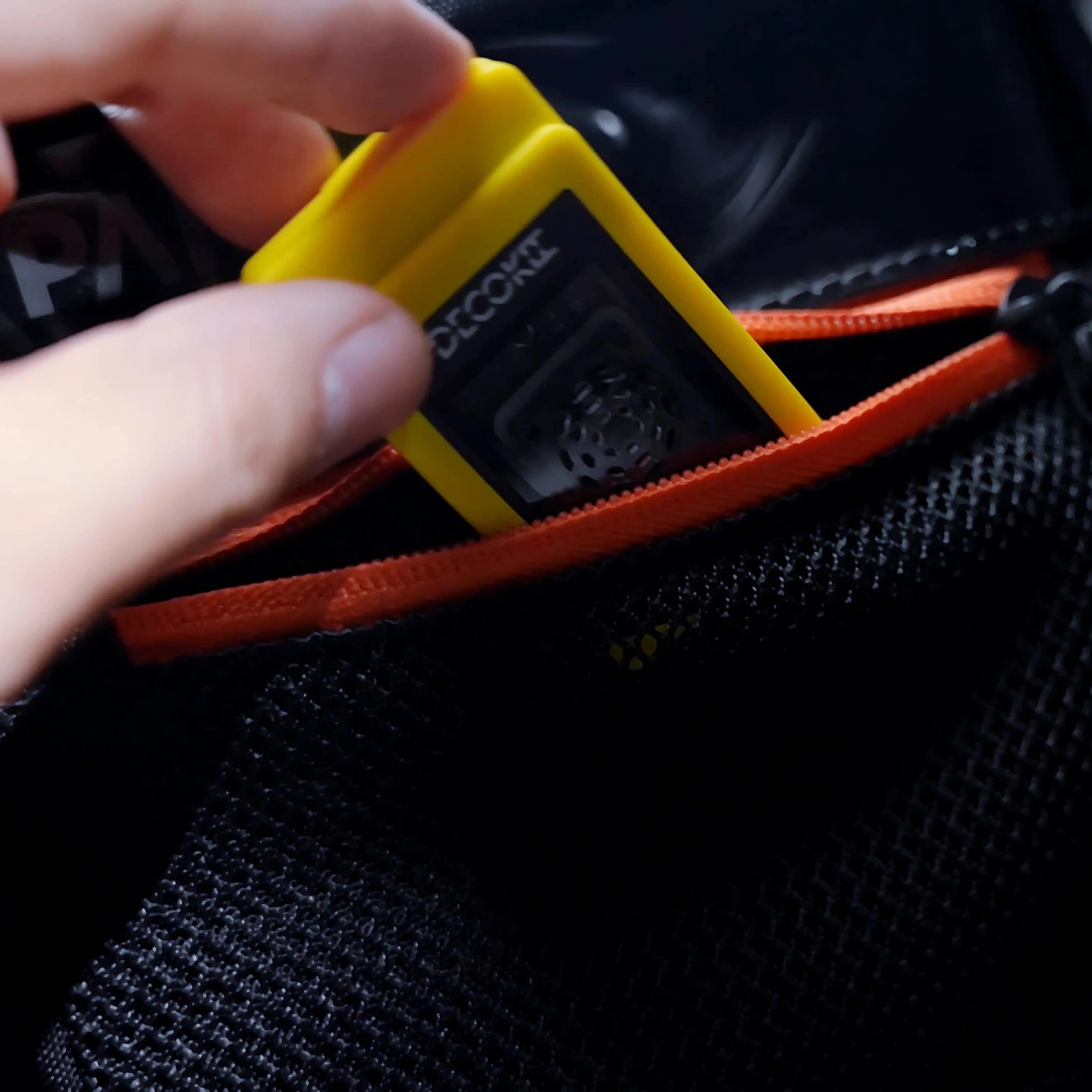
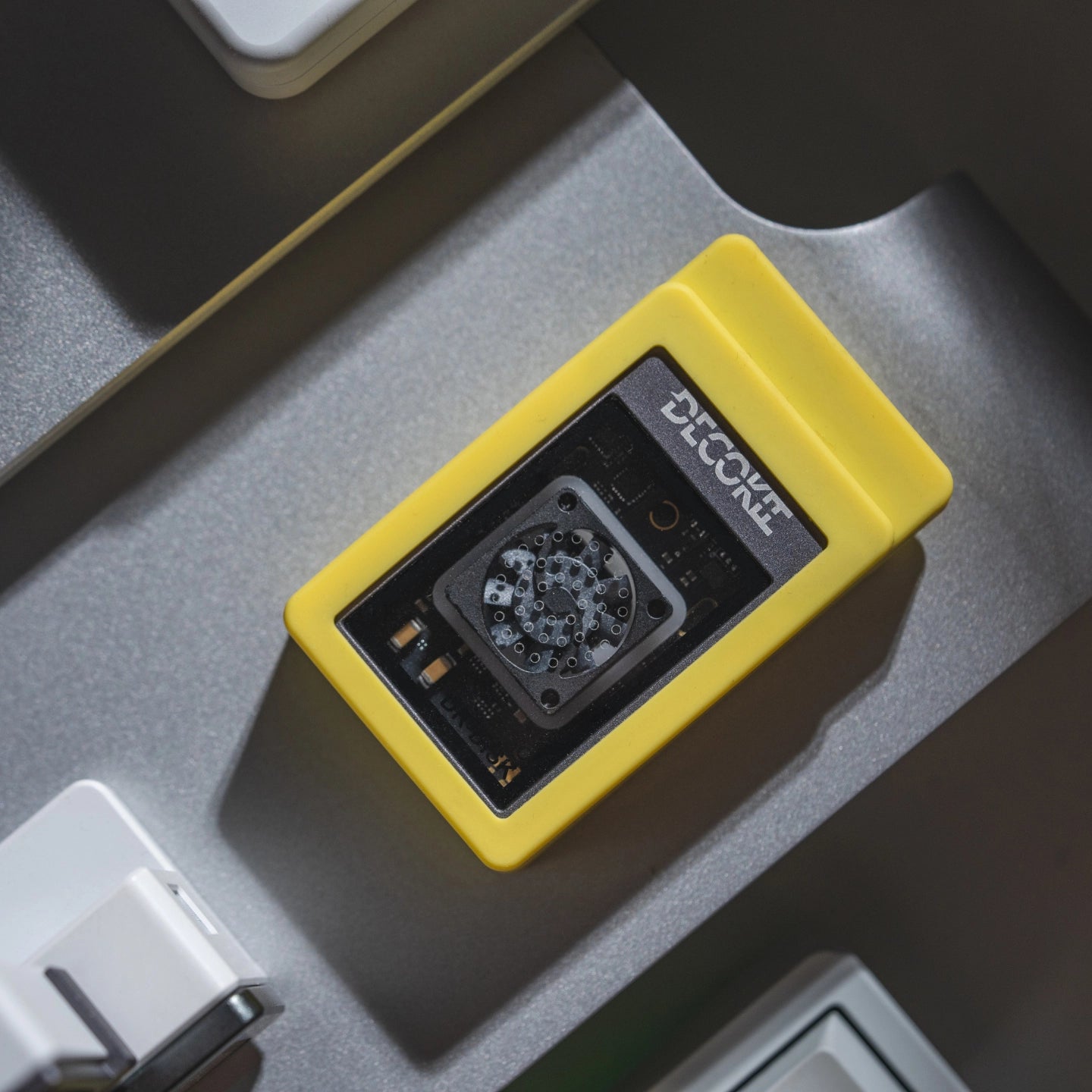
Rubber Protector
Rubber cover protection, anti-slip durability, silky smooth feel, and ultimate portability!
Installation Guide
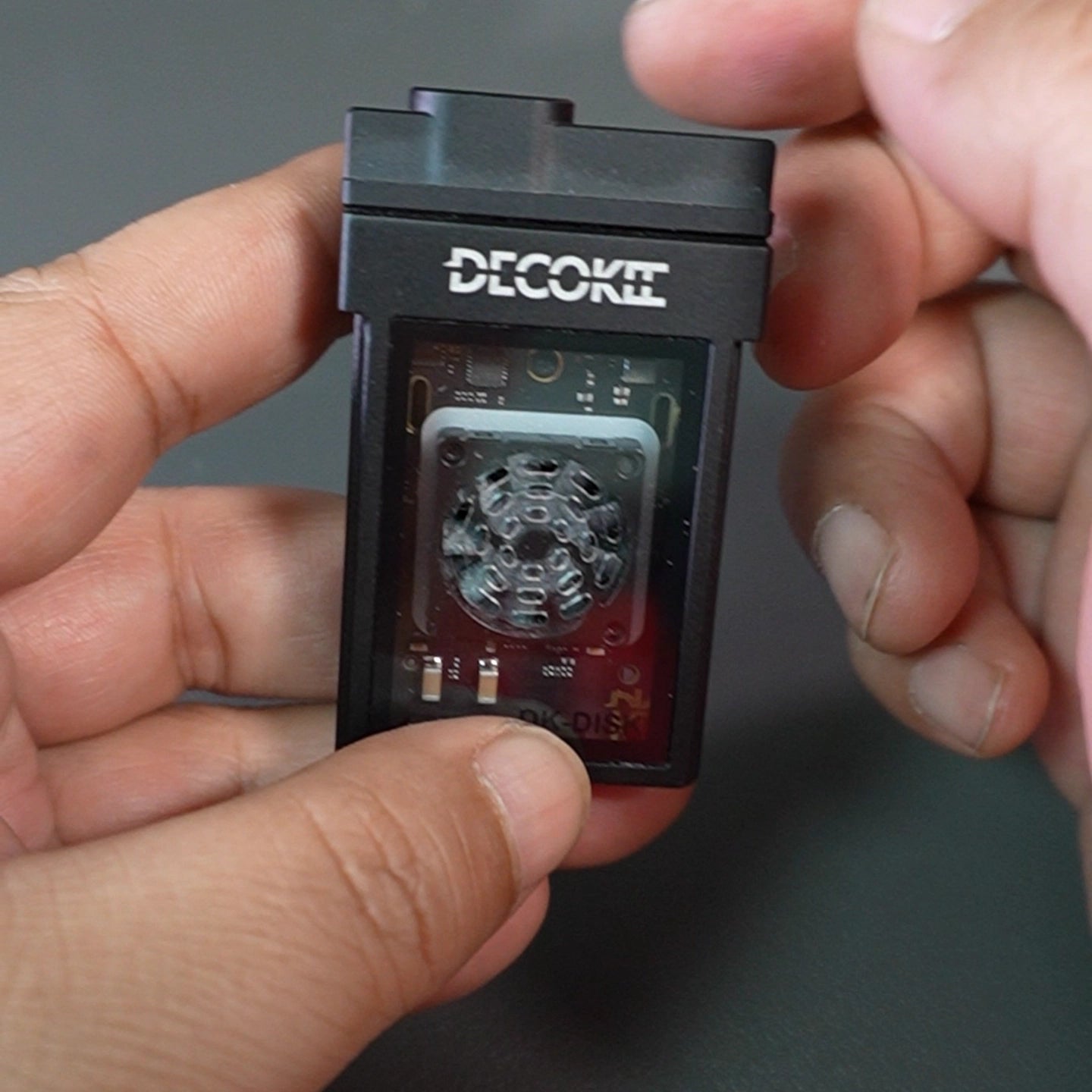
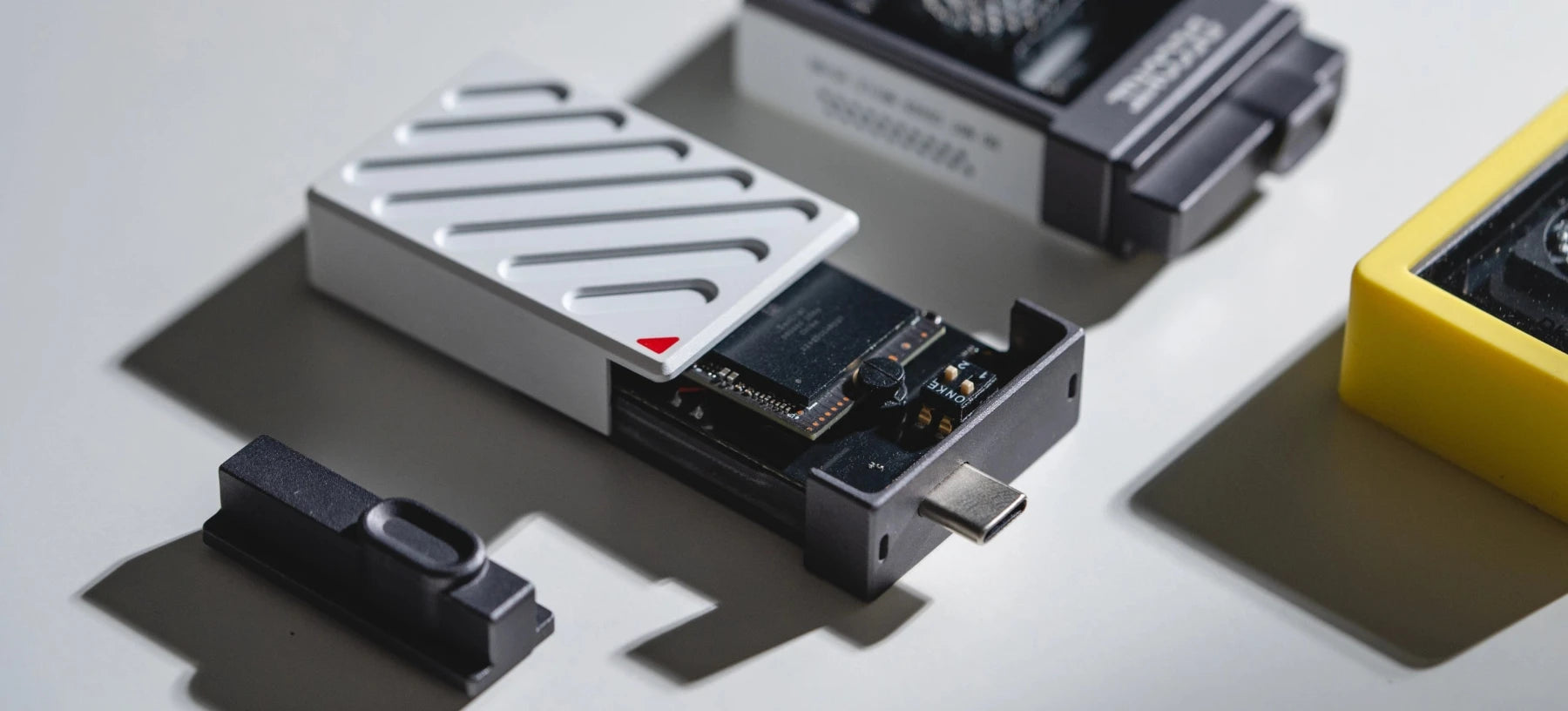
Step1: check the disk enclosure
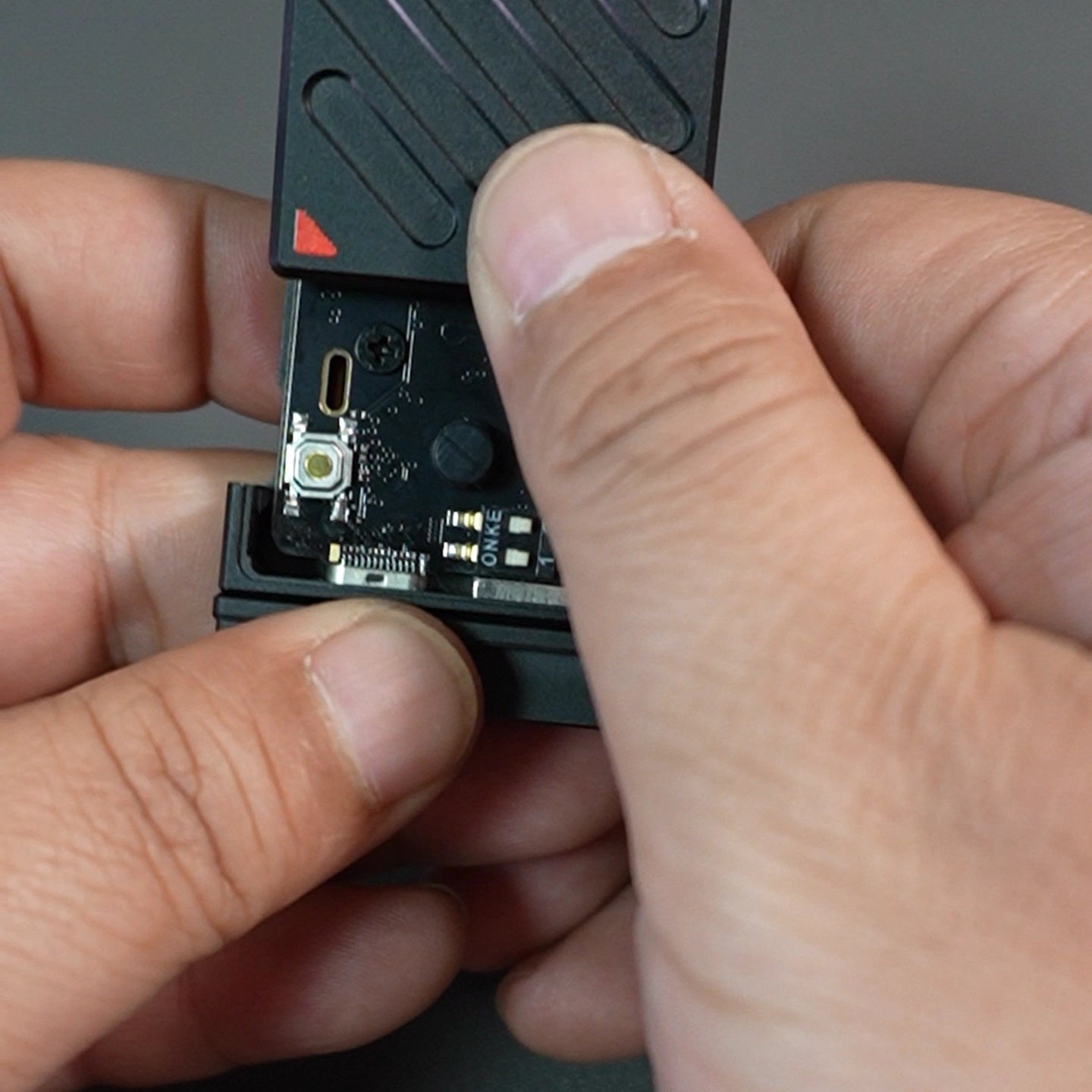
step2: slice out the back housing
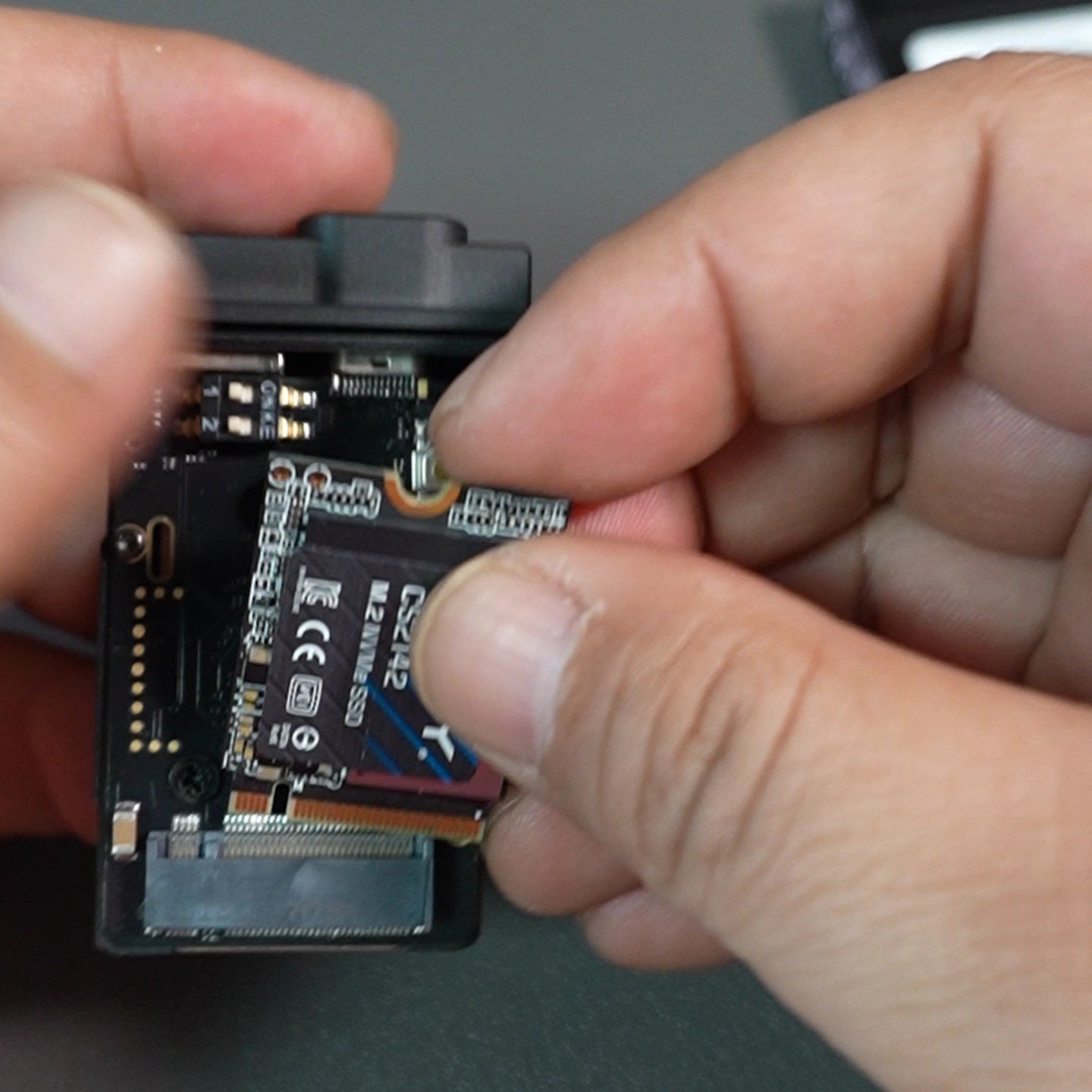
step3: insert 2230 ssd disk into enclosure
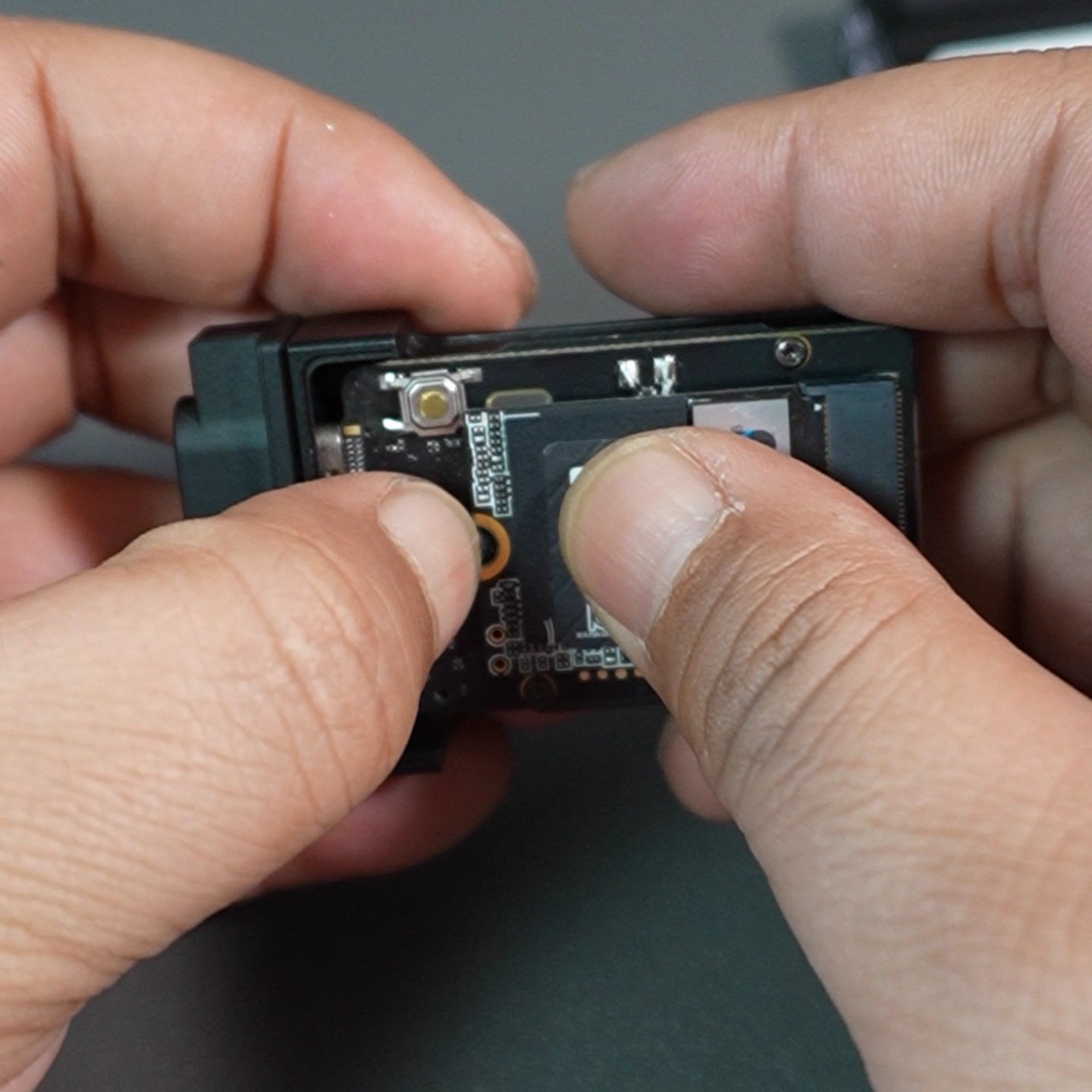
step4: use rubber screw to lock the disk
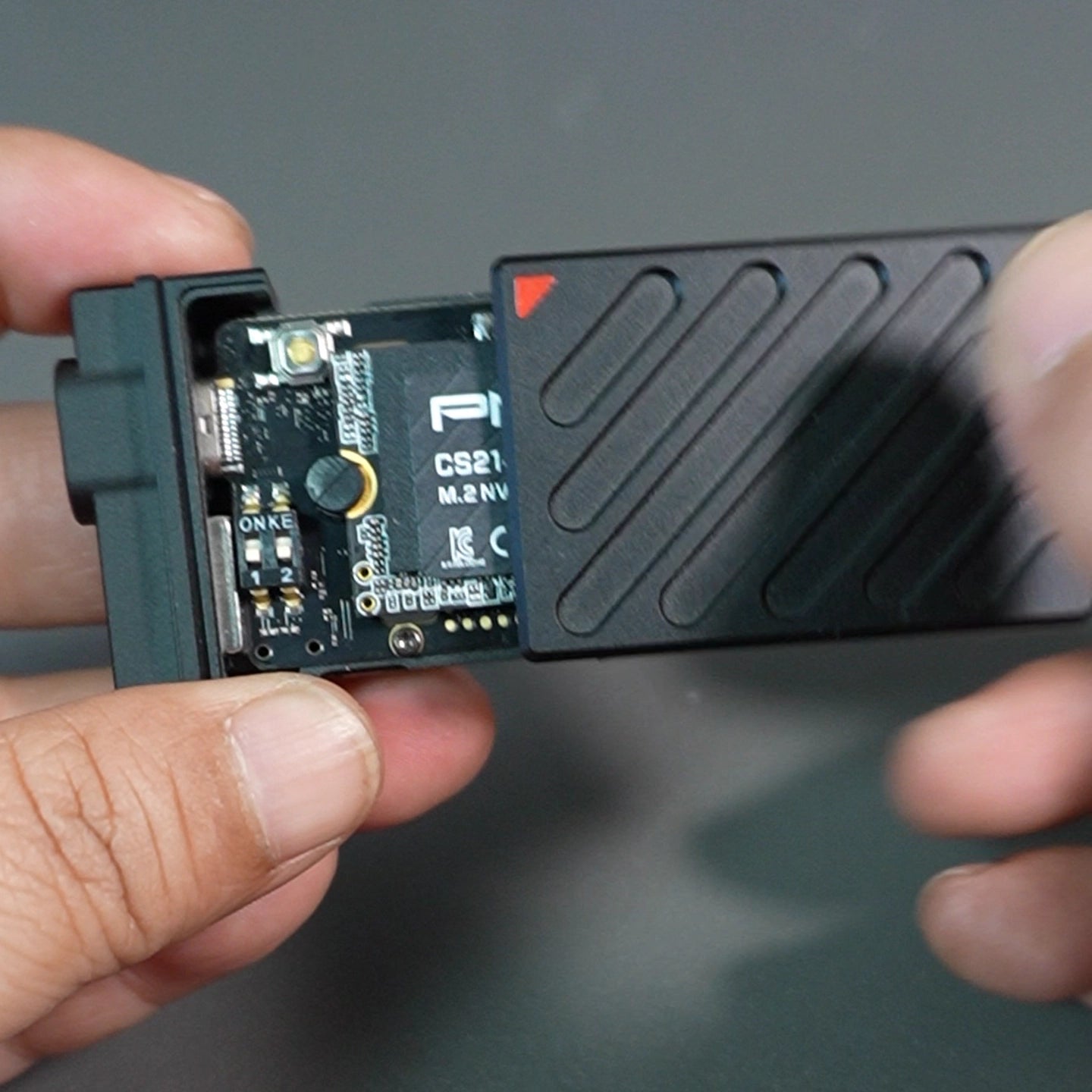
step5: install back housing back to enclosure
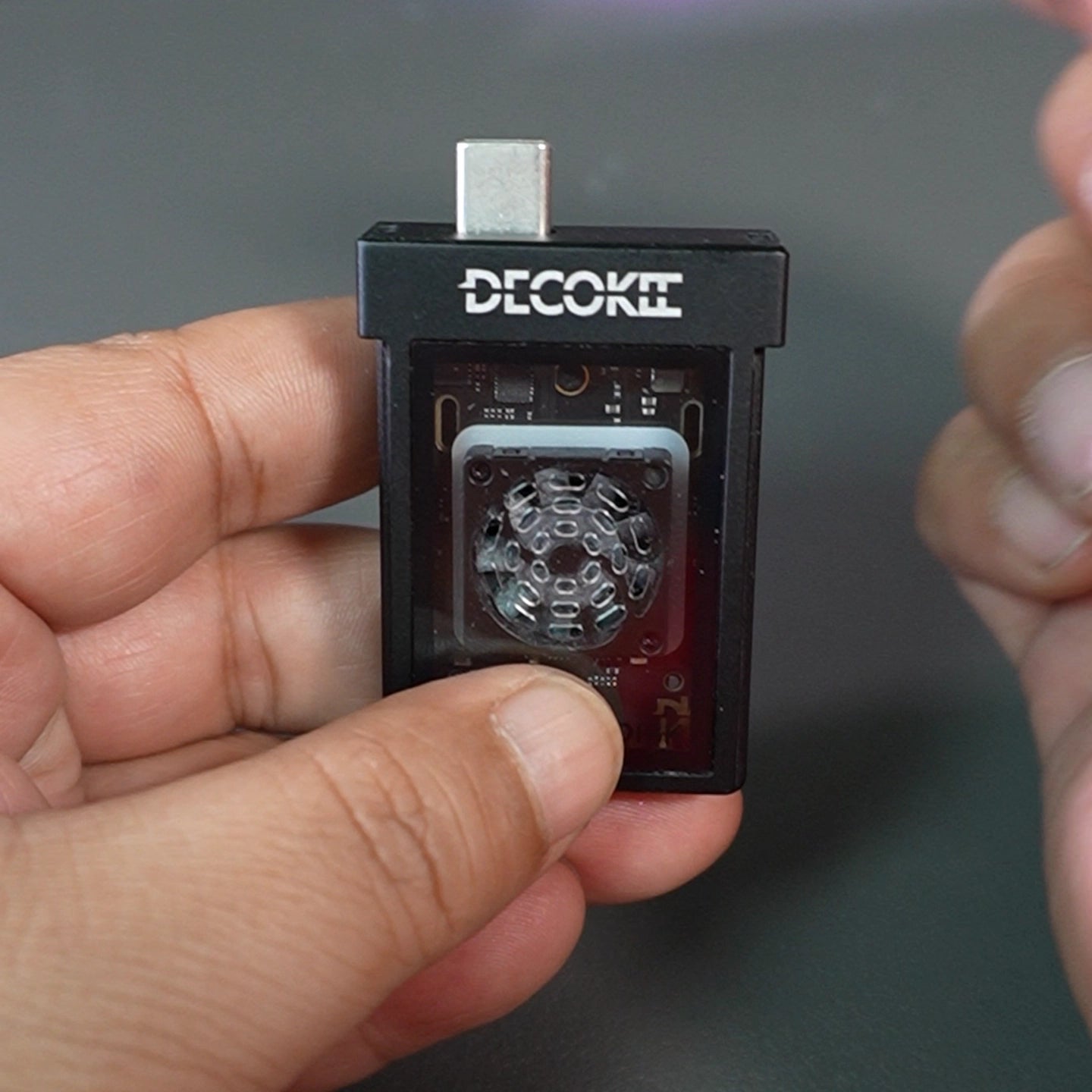
step6: take off the cap and ready for use
Product Specification
| Parameter | Value |
|---|---|
| Size | 60.5mmx36mmx14.5mm |
| Weight | 52g with rubber protection |
| Supported SSD Type | NVMe M.2 |
| Form Factor | 2230 |
| Supported SSD Capacity | Up to 2TB |
| Interface Type | USB 3.2 Gen2 (10Gbps) |
| LED Light | Support RGB Color |
| LED Control Button | Double Click to turn on/off, single click to switch LED Color pattern |
| Compatible Devices | iPhone 15/16 series, Android smartphones, Steam Deck, PlayStation 5, Windows PC & laptops, MacBook Air/Pro, tablets, Chromebook |
| Write Protection | Yes with hardware switch |
| Heat Dissipation | Active cooling fan for active heat dissipation & Aluminum body for passive heat dissipation |
| Function Switches | Support Fan on/off and write protection on/off |
FAQs
Please read our FAQs page to find out more.
What SSD models are compatible with DK-DISK
DK-DISK is compatible with NVMe 2230 SSDs from Samsung, Western Digital, Kingspec, Kingston, and other brands.
How to turn off the fan if feeling noisy?
After Slice the back housing, the default switch is on is the fan switch, and you can turn off
Does it burn when turning the fan off?
No, it can work normal because heat dissipation is by aluminum housing.
what capacity are supported by DK-DISK?
current 2230
Can I change turn off LED light or change the LED display pattern?
Yes, the button inside the enclosure, can be pressed to turn it off by double click, and change the led effects by single click
Do I need to format the SSD before Using?
Yes, please refer to support video.